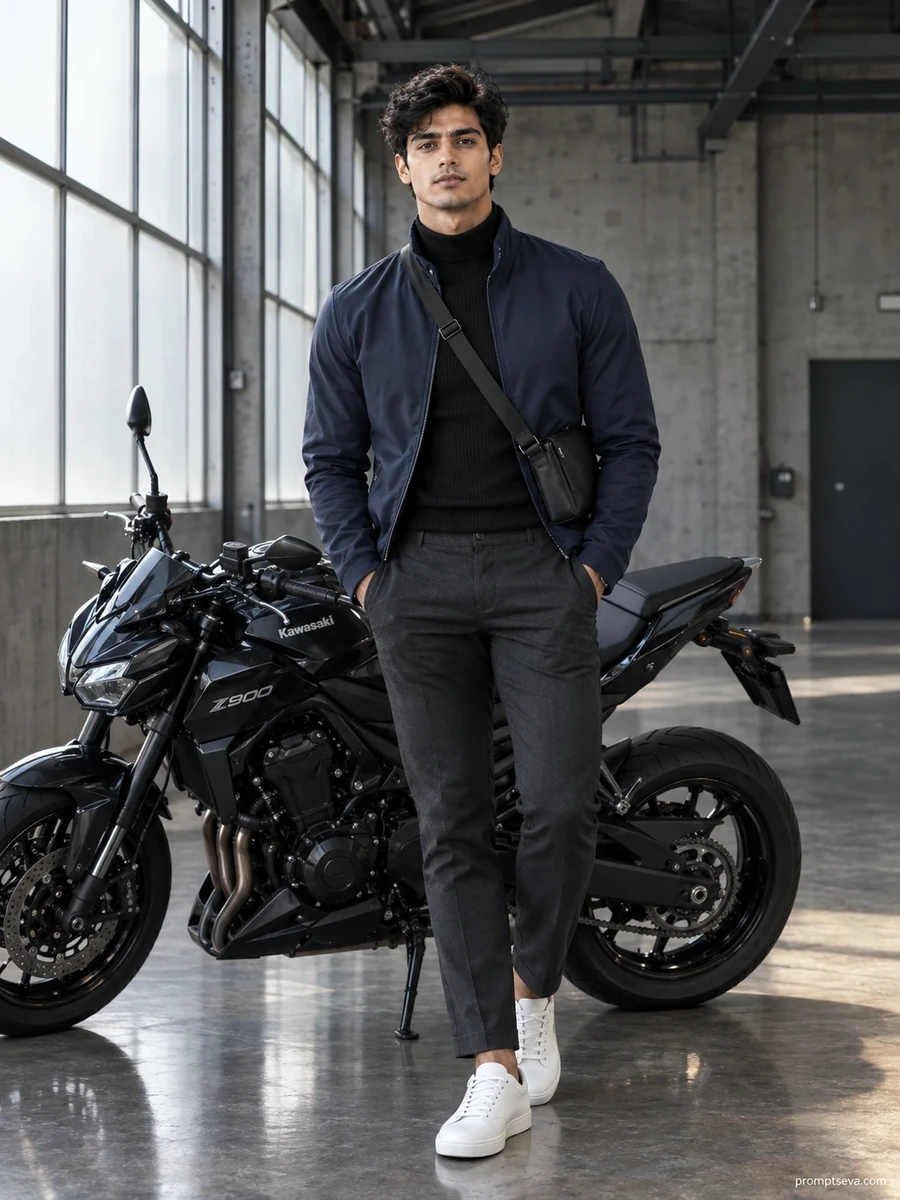
This one trades the outdoors for a warehouse — concrete floors, frosted factory windows, a blacked-out Kawasaki Z900, and light coming in from one side only. It's a cooler, more architectural mood than the rest of the collection, and it's honestly one of the harder scenes for an AI model to get convincingly right, because directional light through frosted glass behaves differently than open sky.
The prompt specifically calls for correct rendering of deeper skin tones and realistic subsurface scattering — worth mentioning because AI image tools have historically been inconsistent here, sometimes flattening detail or shifting color balance on darker skin under directional light. If your reference photo has a deeper skin tone, it's worth checking the output carefully rather than assuming it's automatically accurate.
There's a fair bit going on outfit-wise too — technical jacket, turtleneck, a crossbody bag worn across the chest. Accessory-heavy descriptions like this sometimes get simplified by the model on a first pass, so don't be surprised if the bag is missing or the strap placement is off. Naming the specific thing that's wrong ("add the crossbody bag, it's missing") tends to work better than asking for a full regeneration.
This is a good pick if you want something that reads as intentional and a bit high-fashion without leaning into an outdoor adventure look — works well for a personal brand shot, especially if the background needs to stay uncluttered for use across different platforms. It's less right if you're after a scenic, travel-coded image; the coastal or forest prompts elsewhere in this set will do that better.
One practical note: a reference photo lit strongly from an unusual angle can clash a little with this scene's specific left-side window light. Something shot in flat, neutral lighting adapts more predictably here than a photo with its own strong directional shadows already baked in.
Worth paying attention to as well is the concrete floor reflection the prompt asks for — "a faint natural reflection of the lower motorcycle and figure." This is a subtle detail that's easy for a model to skip entirely, and it's actually a good indicator of how carefully a given AI tool is reading the full prompt versus just the major subject and outfit description. If the floor looks completely matte with no reflection at all, that's a sign the finer environmental details weren't picked up, and it's worth a direct follow-up asking for it specifically.
The turtleneck-and-jacket combination is also worth double-checking for layering accuracy. It's a fairly simple outfit on paper, but "tucked-in" details like the ribbed turtleneck being tucked under the jacket rather than left loose can get lost, especially if the jacket's zip or collar isn't rendered clearly. If the neckline looks messy or the layering unclear, ask the model to "clarify the tucked-in turtleneck under the open jacket, currently looks bunched."
And if you're using this image for something professional — a LinkedIn photo, a personal site — it's worth generating it a couple of times and picking the version with the most neutral, relaxed expression. The "steady confident expression looking directly into camera" the prompt asks for can sometimes tip into looking a little too intense depending on how the model interprets "confident," and for a professional context, a slightly softer version of that same instruction usually reads better. If you end up generating several images from this broader collection, it's worth keeping a simple mental note of which reference photo lighting worked best for which scene — a photo that renders beautifully in this warehouse setting won't necessarily be the strongest choice for the desert or forest prompts, since each scene's lighting interacts with your original photo's lighting a little differently.