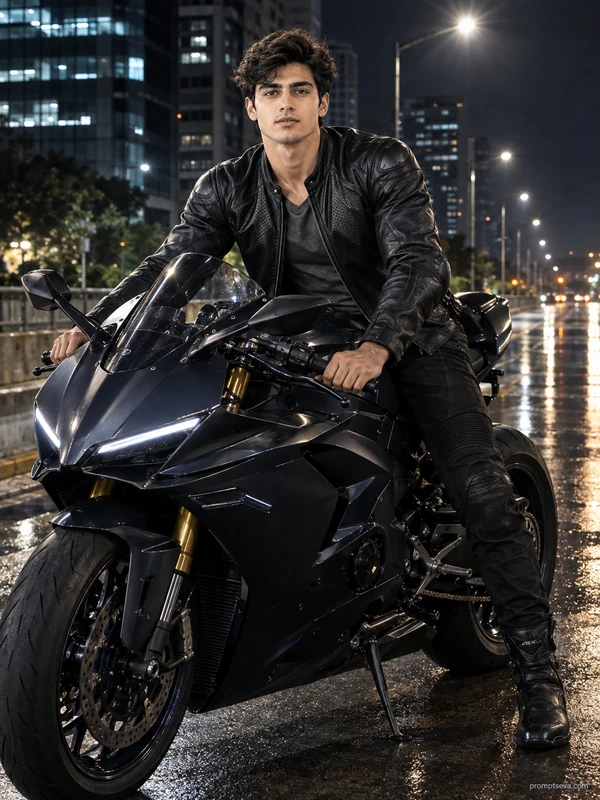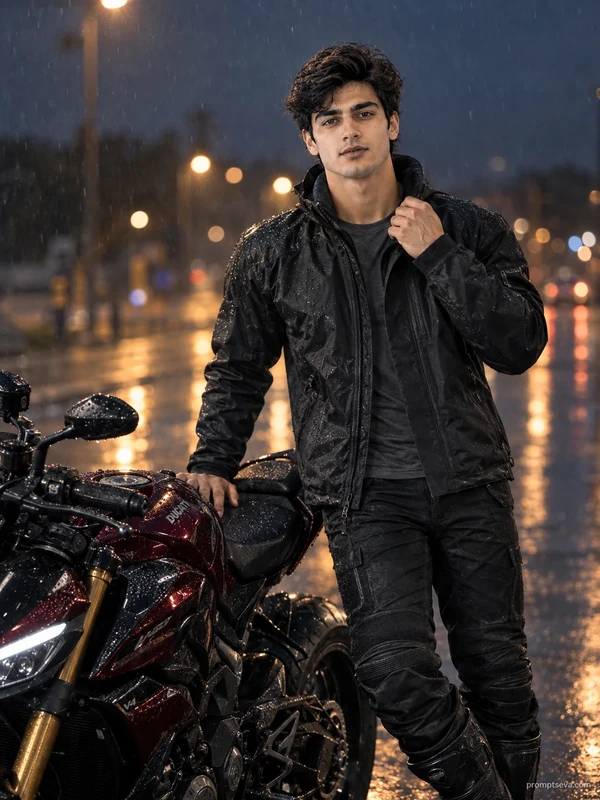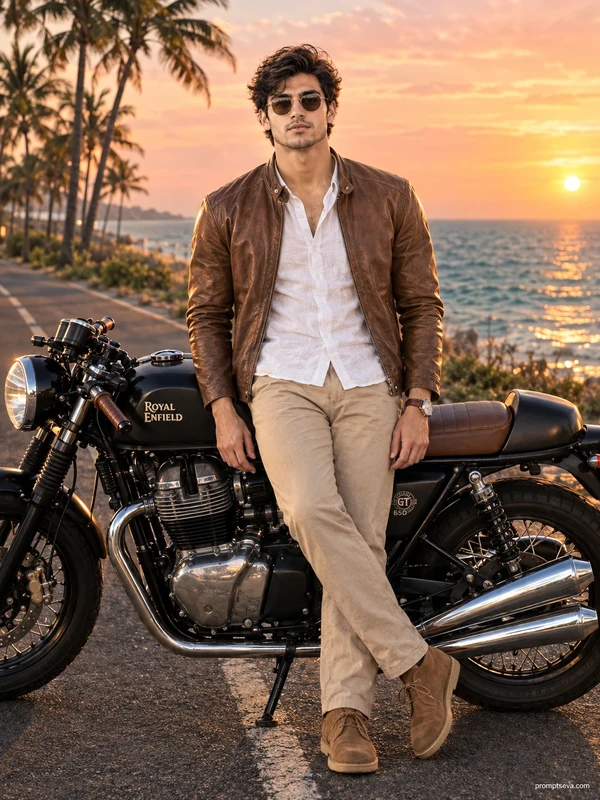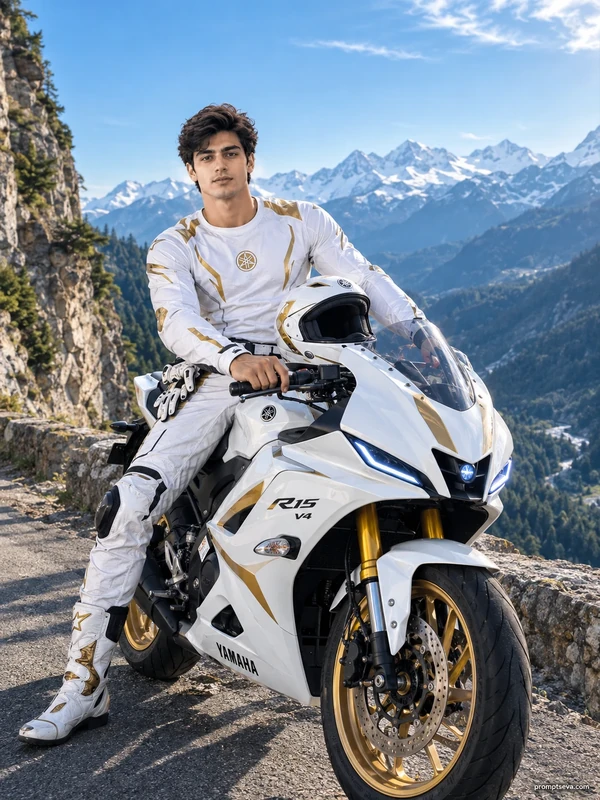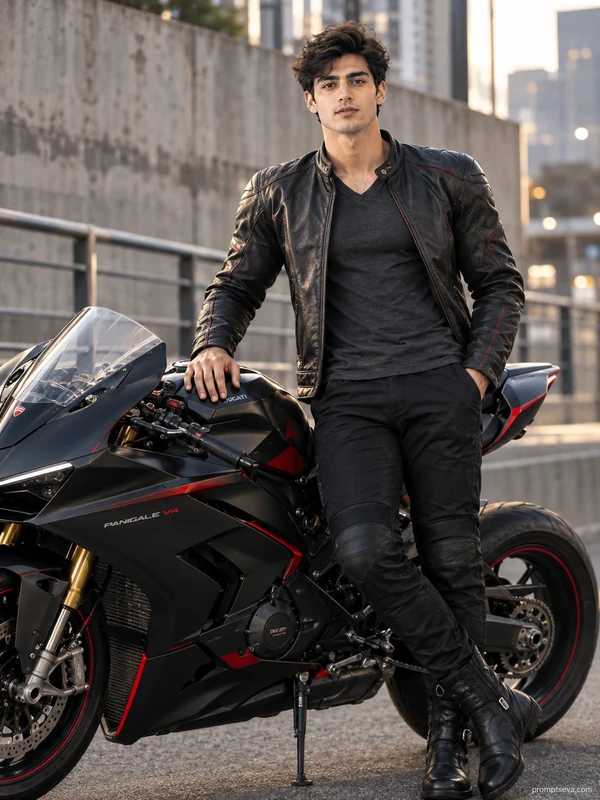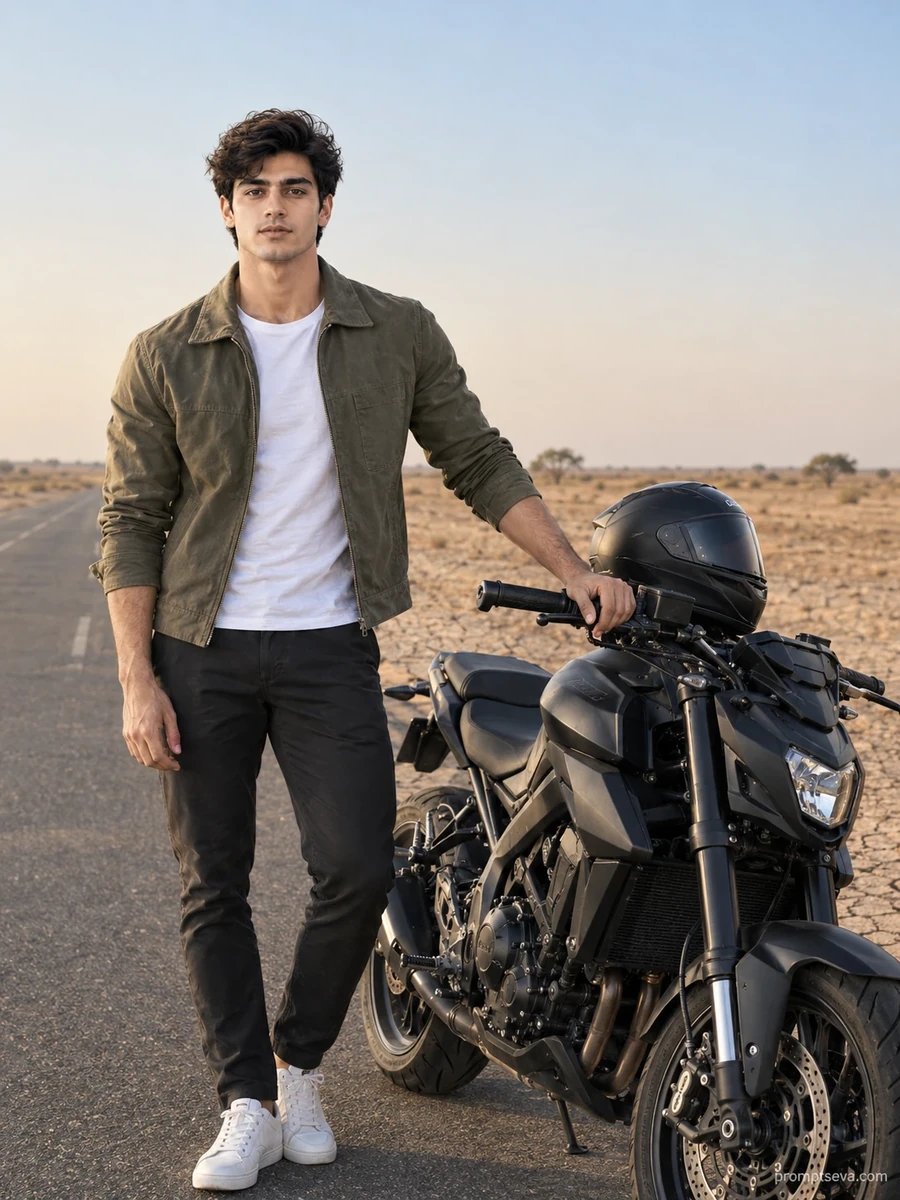
There's a particular kind of photo that shows up in men's fashion feeds every few months — someone standing next to a motorcycle on an empty stretch of highway, golden light, not smiling, not trying too hard. That's the picture this prompt is built to recreate. It puts you beside a matte black streetfighter on a Rajasthan desert road, dressed in an olive cargo jacket and white sneakers, with the kind of low-sun lighting that only exists for about forty minutes a day if you're shooting it for real.
The reason this one tends to work better than most "AI bike photo" prompts floating around is that it doesn't just describe the scene — it tells the model exactly how skin should look under that light. Real faces have pores, a bit of redness near the cheekbones, some unevenness. Most AI tools smooth all of that away by default because they're trained to make people look "nice." This prompt fights that instinct directly, which is honestly the harder part of the job.
To use it, you just need one decent photo of your face — doesn't need to be professional, just clear and not overly filtered — uploaded into ChatGPT or Gemini along with the prompt text. What you get back should look like you, standing in a desert, in a jacket you've never owned. If the skin looks a little too smooth on the first try, just say so: "bring back some texture, this looks airbrushed" works fine as a follow-up.
Where this tends to go wrong is the source photo. If you're feeding it a heavily filtered selfie, there's nothing for the model to reconstruct — it just guesses, and the guess is usually smoother and more generic than reality. A phone photo taken near a window in daylight, no filter, works far better than a studio headshot that's already been retouched once.
This is one of five prompts built around the same face-preservation logic, and it's a decent one to start with if you're testing the whole set — the daylight setting makes it easier to judge whether the face actually matches your reference before you move on to trickier lighting like the night street scene later in this group. If you generate all five and lay them side by side, the desert one is usually the cleanest test of how well a given tool is holding onto your actual features versus quietly "improving" them.
One thing worth knowing: the camera specs in the prompt (Sony A7R V, f/1.8, that kind of thing) aren't going to produce technically identical results every time — they're more of a mood signal to the model than a literal instruction it follows to the letter. Don't be surprised if two generations from the same prompt look a bit different in depth of field. What should stay consistent is the face and the overall desert-highway feel.
A question that comes up often: why specify a jacket that's "washed olive" instead of just "olive"? Small qualifiers like that matter more than they seem. "Washed" tells the model to render the fabric with some fade and natural wear rather than a flat, factory-new color block, which is part of what keeps the whole scene from looking like a stock photo. If you swap in your own clothing preferences later, carrying over that kind of texture language — "worn," "weathered," "natural creasing" — tends to produce better results than just naming a color.
It's also worth generating this one a second time with a different reference photo if you have access to more than one — comparing how the same prompt handles two different faces is a quick way to figure out whether an inconsistency you're seeing is about the prompt itself or just how that particular photo translated. Some reference photos simply give the model more to work with than others, especially around jaw definition and skin tone accuracy, and that's rarely something you can predict just by looking at the original photo.
Finally, if you're planning to use this image somewhere it'll be seen at a larger size — a printed poster, a large profile banner — it's worth asking for "higher fidelity in the fine details, less compression artifacting" as part of your very first prompt rather than trying to fix it after the fact. Upscaling a soft AI image after generation rarely recovers detail that wasn't there in the first place, so it's a better use of your first attempt to ask for it directly. There's one more practical consideration worth raising: how this image will actually get used. A photo meant for a dating profile or a casual Instagram post can tolerate a bit more stylization than one meant for a professional context, and it's fine to lean into that when writing your follow-up requests — "a bit more editorial polish" is a reasonable ask in one context and the wrong instinct in another. Knowing the end use before you start iterating saves a few rounds of back-and-forth.