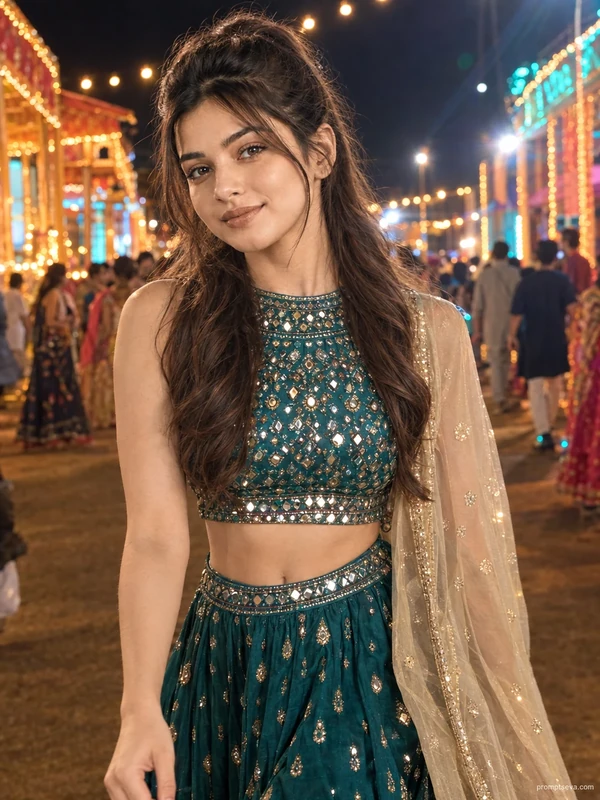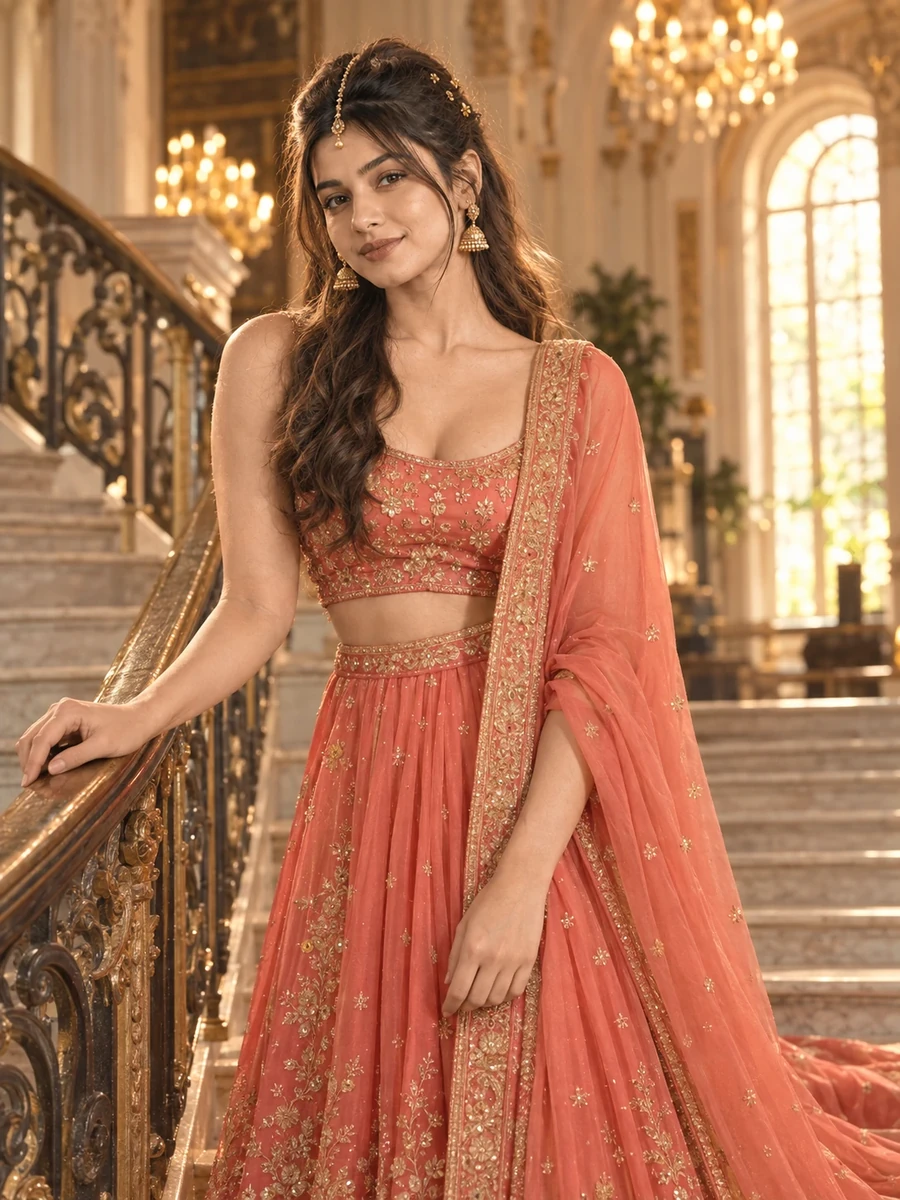
This photo prompt turns an ordinary photo into a regal staircase portrait in a single generation. You get the polished, wedding-guest look shown above — no editing skills, no photographer, no lehenga rental required. It leans on a grand marble staircase inside a heritage-style mansion, with warm chandelier light doing most of the work in the background.
What this prompt creates
The instruction places the subject midway up an ornate staircase, one hand resting on the railing, coral fabric trailing down the steps behind her. It's a vertical 3:4 portrait, shot as if on a portrait lens with a shallow depth of field so the staircase and chandeliers blur softly behind her. At just under 200 words, the prompt is deliberately compact — it fixes the outfit, the setting, and the light, then leaves smaller details (exact pose, exact expression) for the model to interpret. Either way, the result stays recognisably you, because the source photo is what drives the likeness, not the prompt text.
How to use this photo prompt
1. Tap Copy prompt above to copy the full text. 2. Open ChatGPT or Gemini and start a new chat. 3. Upload a clear, front-facing photo of yourself. 4. Paste the prompt and send it. 5. If the first result isn't quite right, regenerate once or twice — small wording changes shift the outcome more than you'd expect.
Tips for a better result
- Start with a well-lit photo. The model can only preserve detail it can actually see, so a dim or blurry upload gives a softer, less accurate face match.
- Mind the crop. The output is a vertical 3:4 portrait, so leave some headroom in your source photo instead of a tight square crop.
- Keep your face forward. A front-facing or slight three-quarter angle photo matches this pose better than a strong side profile.
- Change one variable at a time. If you want a different lehenga colour or a different staircase, edit that single line rather than rewriting the whole prompt.
- Regenerate rather than argue with one result. Image models are random by nature, and a second or third pass often looks noticeably more polished than the first.
- If the face drifts from your photo, add the line "keep the face 100% identical to the uploaded photo" again at the very top and try once more.
Who this prompt suits
This one is built for girls who want a wedding-guest or festive portrait without booking a photoshoot. It holds up well as an Instagram post, a WhatsApp DP, or a save for a wedding invite reply — the vertical crop works cleanly on both phone and desktop feeds.
More prompts like this
Staying in the same lehenga family, try the Ombre Lehenga AI Photo Prompt for Girls for a hotel-room setting, the Heritage Library Lehenga AI Photo Prompt for a book-lined backdrop, the Bridal Lehenga AI Photo Prompt for Girls for a palace balcony scene, and the Mustard Lehenga AI Photo Prompt for Girls for a floral-ceiling look. You can also browse the full Prompts for Girls collection or the Wedding category for more festive-occasion prompts, and head back to the PromptSeva homepage for the newest additions.
What makes this style work
Three things carry this look. The lighting is described precisely — golden-hour warmth through a tall arched window, not "nice lighting" left to chance — which is what gives the skin tone its warmth instead of a flat, AI-flat look. The framing and camera position are stated up front (eye level, vertical 3:4, shallow depth of field), which keeps the body proportions natural instead of stretched or foreshortened. And the setting is specific enough — a named staircase, a named railing, a named light source — that the model has real detail to render rather than guessing at a generic background.
You can reuse this same structure for your own prompt ideas: subject and styling first, then the setting, then lighting and camera, then a short list of things to avoid. Keeping that order, rather than writing one long descriptive sentence, is what makes a prompt behave predictably across regenerations instead of producing a different result every time.