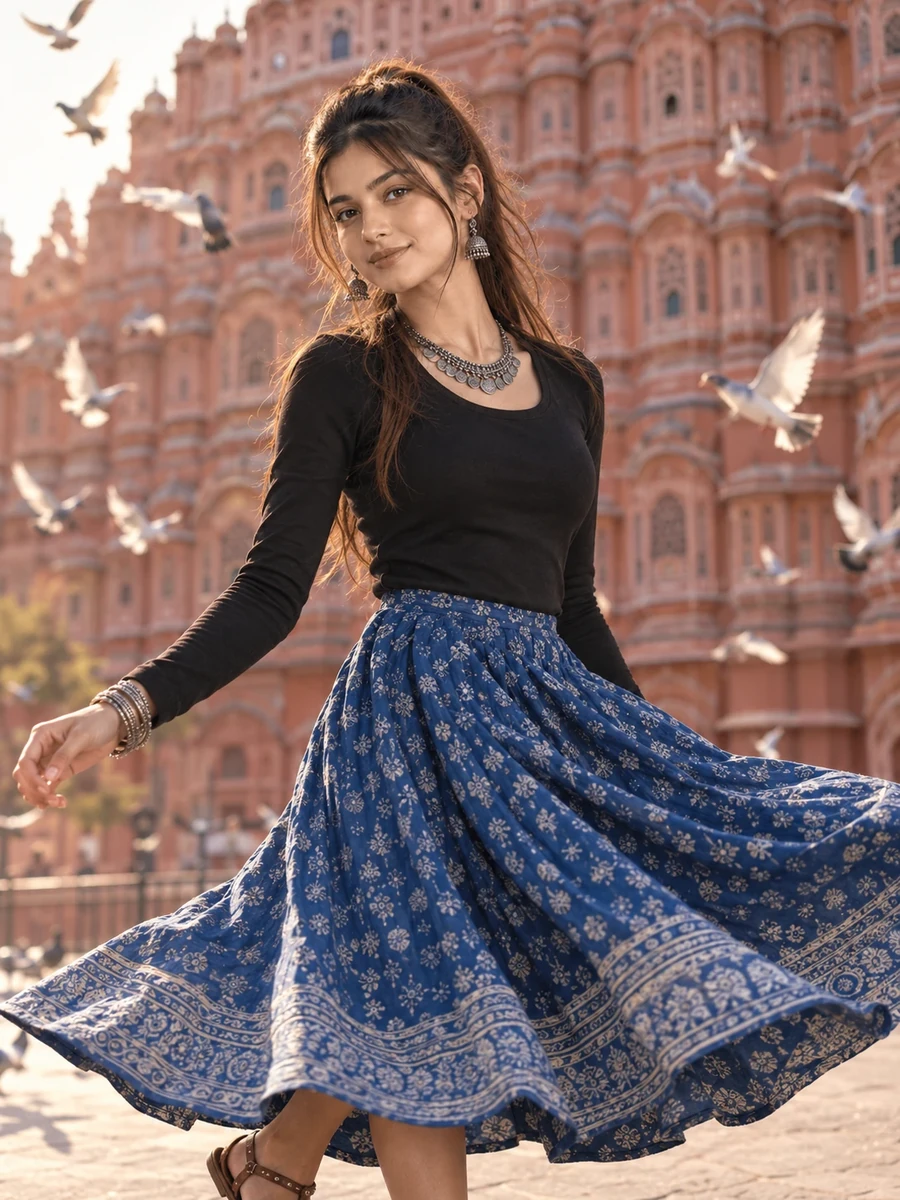
This free Rajasthan travel prompt turns your photo into a joyful, mid-motion portrait in front of one of Jaipur's most recognizable landmarks — the pink sandstone facade of Hawa Mahal, with a blue printed skirt flaring outward mid-twirl and white pigeons circling overhead. This is the kind of shot travelers chase in real life but rarely capture perfectly, since timing a twirl, the pigeons, and the light all at once is genuinely difficult. Here, all three elements come together in a single generated frame.
The morning volumetric light and shallow depth of field are doing a lot of the visual work — keeping the subject crisply in focus while the intricate honeycomb lattice of the palace facade blurs just enough to read as a recognizable landmark without competing for attention. This is a classic technique in real travel photography, and it translates well into an AI-generated image when specified clearly.
How to Use This Prompt
1. Copy the full prompt above. 2. Open ChatGPT, Gemini, or any AI image tool that supports image uploads. 3. Upload one clear, front-facing photo of yourself. 4. Paste the prompt exactly as written and send it. 5. The AI will generate a photorealistic Hawa Mahal twirl portrait using your actual face. 6. If the palace facade looks architecturally inaccurate, ask the AI to "keep the Hawa Mahal facade's honeycomb lattice pattern and pink sandstone color architecturally accurate."
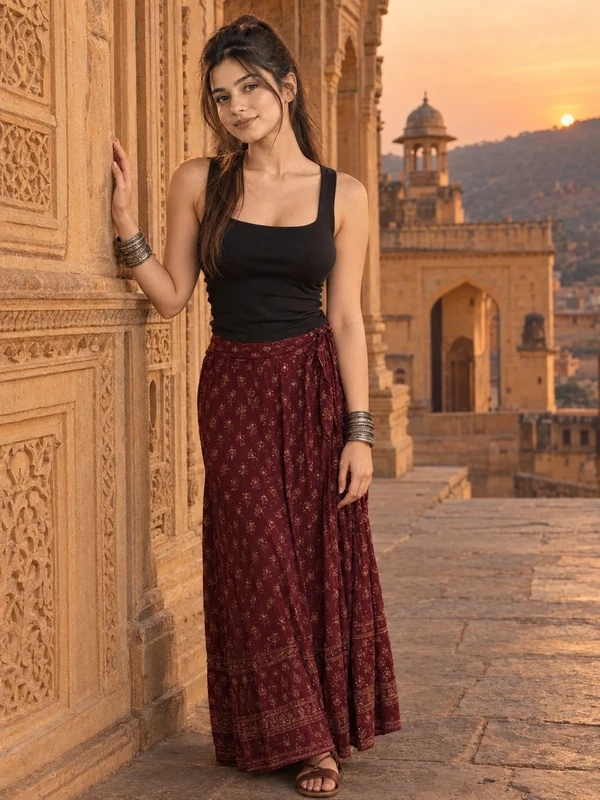
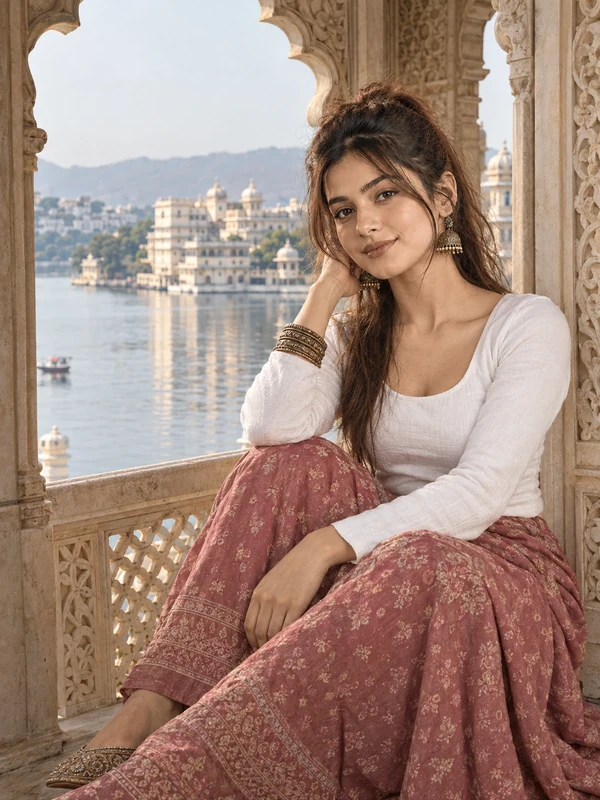
This prompt opens the Rajasthan travel collection — pair it with the Jharokha seated portrait or Amber Fort prompts from the same set for a full Rajasthan-themed travel album.
Why Face Preservation Matters Here
A twirling motion pose introduces natural blur and movement into hair and clothing, and it's easy for an AI model to extend that blur onto the face itself if not explicitly instructed otherwise. This prompt's facial identity instructions are meant to keep the face as a fixed, sharp anchor point even as the rest of the image captures genuine motion — the twirl should read in the skirt and hair, not in a blurred or altered face.
If you notice your face looking soft or slightly different during the twirl, add a follow-up like "keep the face completely sharp and matched to the reference photo, motion blur should only appear on the skirt and hair."
Who This Prompt Works Best For
This twirl portrait is a strong pick for anyone who wants their Jaipur or Rajasthan-themed content to have genuine energy — travel bloggers building a highlight reel, a joyful profile photo, or the opening image in a longer travel photo essay where you want to establish an upbeat tone before moving into calmer shots. Because the pose and setting are so specific to Hawa Mahal, it also works well for anyone who wants their photos to double as an accurate visual record of a real or aspirational trip, rather than a generic "pretty backdrop" shot.
It's a less reliable choice if you need a highly predictable, easily repeatable result — motion poses combined with a recognizable landmark and flying birds are asking a lot of the AI at once, so treat this as the most ambitious prompt in the collection rather than the easiest starting point.
Common Mistakes to Avoid
The most common mistake is uploading a reference photo where your hair is styled very differently from how it would move during a twirl (very short hair, or hair in a tight bun) and then being surprised the generated motion looks inconsistent — if your hairstyle matters to the final look, it's worth mentioning your actual hair length and type in a follow-up. Another frequent issue is expecting the Hawa Mahal facade to be perfectly recognizable on the first attempt; intricate honeycomb lattice architecture is genuinely difficult for AI models to render accurately at a distance, so a follow-up request for more architecturally precise detail is common and often necessary. Finally, don't skip reviewing the pigeons closely — background wildlife is an area where AI models sometimes produce anatomically odd results, so a quick check and a follow-up request for more natural, varied flight positions is worth the extra step.
Tips for Best Results
- Use a clear, front-facing reference photo — motion poses already introduce enough variation, so a strong starting reference helps keep facial accuracy intact.
- If the pigeons look unnatural or too posed, ask for "pigeons in natural, varied flight positions, not perfectly symmetrical" in a follow-up.
- Try both ChatGPT and Gemini — architectural landmark accuracy combined with human motion is a good test case for comparing tool quality.
- For a calmer alternative pose, you can ask for "a standing pose with the skirt gently moving in the breeze instead of a full twirl" while keeping the rest of the scene the same.
- If you're building the full Rajasthan travel set, this energetic twirl works well as an opening image before the calmer seated Jharokha portrait.