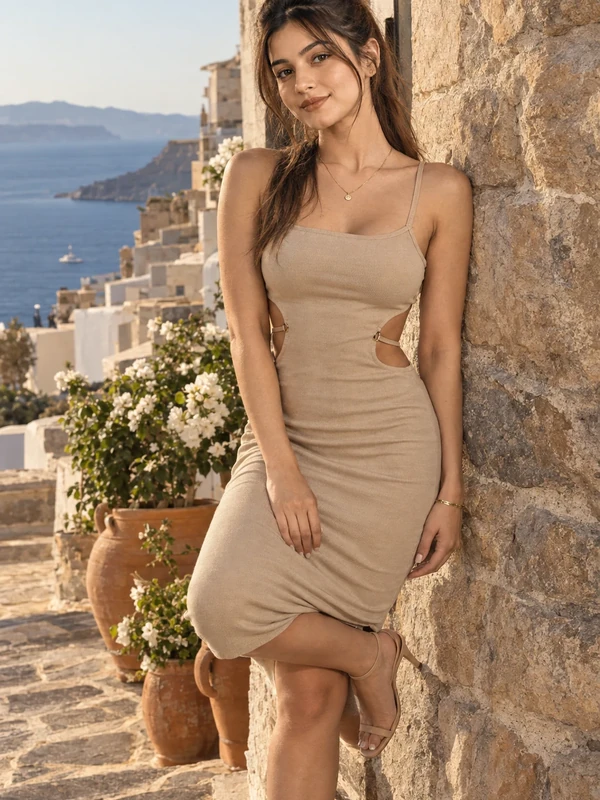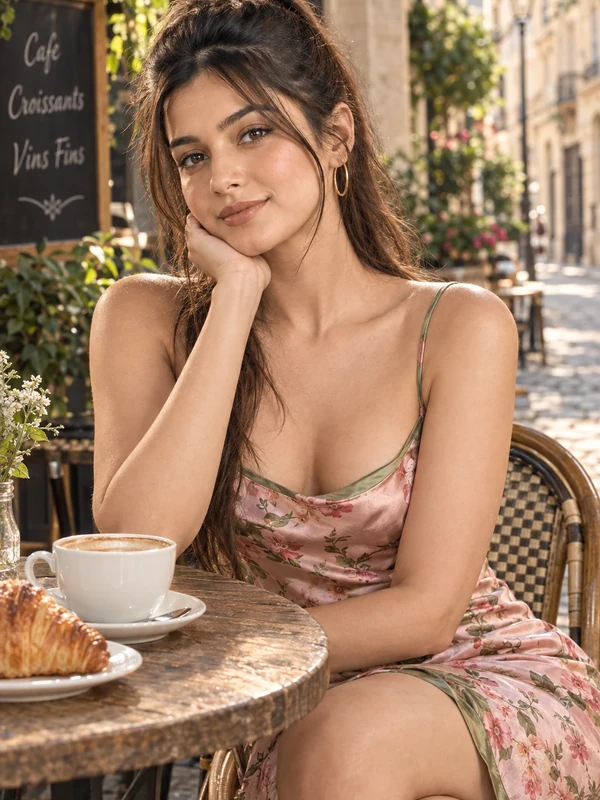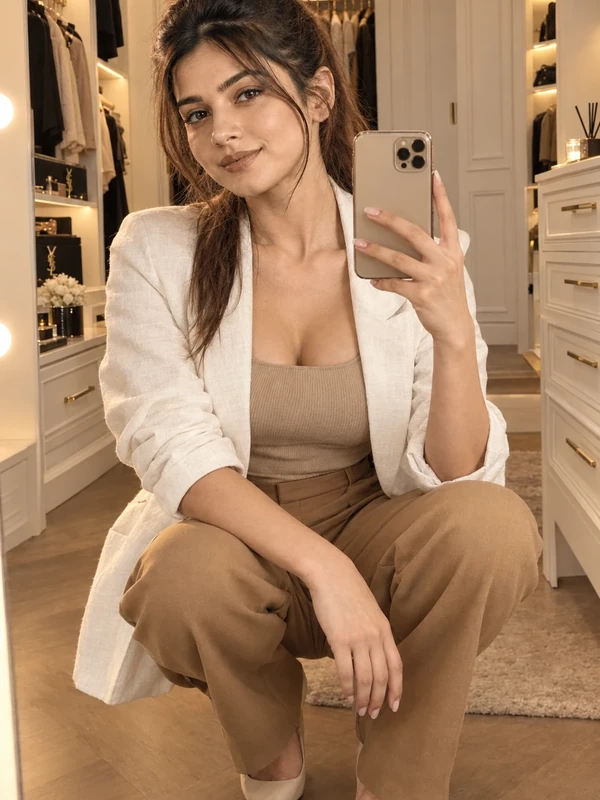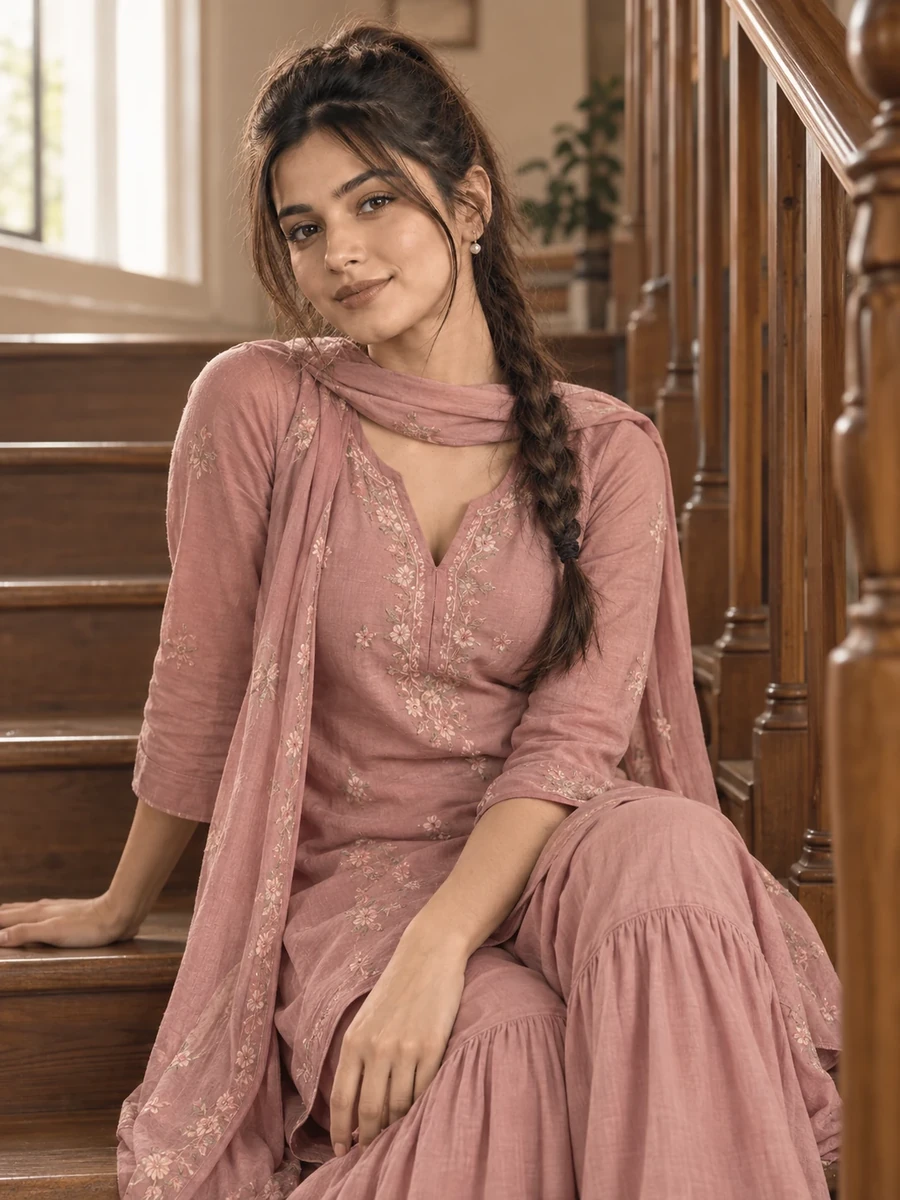
This photo prompt turns an ordinary photo into a soft, romantic staircase portrait in a dusty pink sharara in a single generation. You get the same gentle, pastel-toned look shown above with no editing skills needed. It leans on a muted pink palette and a staircase setting to build a quiet, understated frame.
What this prompt creates
The instruction places the subject on a staircase, wearing a dusty pink sharara suit with delicate detailing, in soft, diffused light. It's a vertical portrait with a shallow depth of field, so the staircase steps blur gently behind her rather than pulling focus. Running to roughly 170 words, the prompt is precise about the muted colour palette and the light quality while leaving the exact pose for the model to interpret. The result stays recognisably you because your uploaded photo, not the prompt wording, drives the likeness.
How to use this photo prompt
1. Tap Copy prompt above to copy the full text. 2. Open ChatGPT or Gemini and start a new chat. 3. Upload a clear, front-facing photo of yourself. 4. Paste the prompt and send it. 5. If the first result isn't quite right, regenerate once or twice — small wording changes shift the softness of the tone quite a bit.
Tips for a better result
- Choose a well-lit reference photo, since the model can only preserve detail it can actually see.
- Leave some headroom in your original photo — the output favours a vertical portrait crop.
- If the pink looks too flat, add "soft dusty rose with a hint of grey" to keep the muted quality precise rather than generic.
- Adjust one thing per regeneration — the exact shade, the staircase material, or the pose — rather than the whole prompt.
- Try the generation twice. AI image results are random, and a second pass is often softer and better composed than the first.
- Start from your highest-resolution photo, since fine fabric detail depends on how much the model has to work with.
Who this prompt suits
This prompt suits girls who want a gentle, pastel-toned portrait rather than a bold or saturated one. It works well as an Instagram post, a profile picture, or a WhatsApp DP, and reads clearly on both phone and desktop screens.
Soft pastel portraits like this one also work well paired with natural, minimal makeup looks, since the muted palette does most of the visual work on its own.
More prompts like this
For more in this set, see the Yellow Anarkali Kurti AI Photo Prompt for a fresh daytime mood, the Red Kurti AI Photo Prompt for Girls for a relaxed outdoor scene, the Plum Anarkali Kurti AI Photo Prompt for a moodier indoor look, and the Fuchsia Sharara AI Photo Prompt for Girls for a bolder colour choice. Browse the full Prompts for Girls collection, and visit the PromptSeva homepage for the newest additions. If you'd like a variation, the same staircase setting also works well with a soft lavender or mint outfit for a different pastel mood.
The staircase setting also scales well to a full-body shot instead of a close portrait crop, if you would rather show the full outfit and the flow of the fabric down the steps.
A soft, low-contrast edit after generation — nothing heavy, just a touch of warmth — can round off the pastel mood nicely if the raw output feels slightly cool.
What makes this style work
Three specific choices carry this look. The colour is described as muted and specific — dusty rose with a hint of grey — rather than just "pink," which is what keeps the tone gentle instead of flat or generic. The light is diffused rather than harsh, which supports the soft, romantic mood the outfit is going for. And the staircase is kept in soft blur rather than sharp detail, so it reads as gentle texture instead of competing with the subject.
You can reuse this same structure for your own prompt ideas: subject and outfit first, then setting, then light and camera, then a short negative list. That fixed order is what makes a prompt behave predictably across regenerations instead of producing a different result every time.