The prompt
FACIAL IDENTITY — ABSOLUTE PRIORITY
Keep the uploaded person's face completely unchanged: same bone structure, same eyes, same nose, same lips, same skin tone and texture. Do not slim, smooth, beautify, reconstruct, or reinterpret the face. Do not turn them into a celebrity or generic model. 100% face match to the reference photo — only the outfit, pose, background, and gaze direction change, never the face itself.

CAMERA-FACING ANGLE & DIRECT EYE CONTACT (critical)
Face stays fully forward and centered toward the camera, head level, not tilted or turned away — even during an action pose (riding, walking, holding something). The action comes from the hands, shoulders, and body only, never from turning the head or face.

Both people's pupils are centered and looking straight into the camera lens — direct eye contact with the viewer, like a portrait photographer's direct-gaze shot. Not gazing to the side, not looking past the camera into the distance, not unfocused, not cross-eyed. Even if the uploaded reference photo shows the eyes looking elsewhere (to the side, downward, at each other), redirect the gaze so both people look straight into the camera in the final result — this is the one detail that is allowed to differ from the reference photo.

HAIRSTYLE
Hair is neatly styled and groomed for the scene — flyaways smoothed down, settled, not messy or windblown. Applies to both the man and the woman.

MAKEUP (for female subjects)
Light, natural, everyday makeup — subtle base, softly defined brows, a natural lip tint, and a healthy glow. For male subjects: neatly groomed hair and clean natural skin texture, no visible makeup.

CLEAR SKIN (both subjects)
Both people's skin is clear and even-toned — pimples, acne, blemishes, and dark spots are smoothed away naturally, while keeping real, natural skin texture (visible pores, no plastic or airbrushed look). This applies equally to the man and the woman.

IMPORTANT: This grooming, makeup, skin-clearing, and gaze-redirect enhancement must never change face shape, eyes, nose, lips, or bone structure — it only enhances the existing face and gaze direction, it does not alter identity.

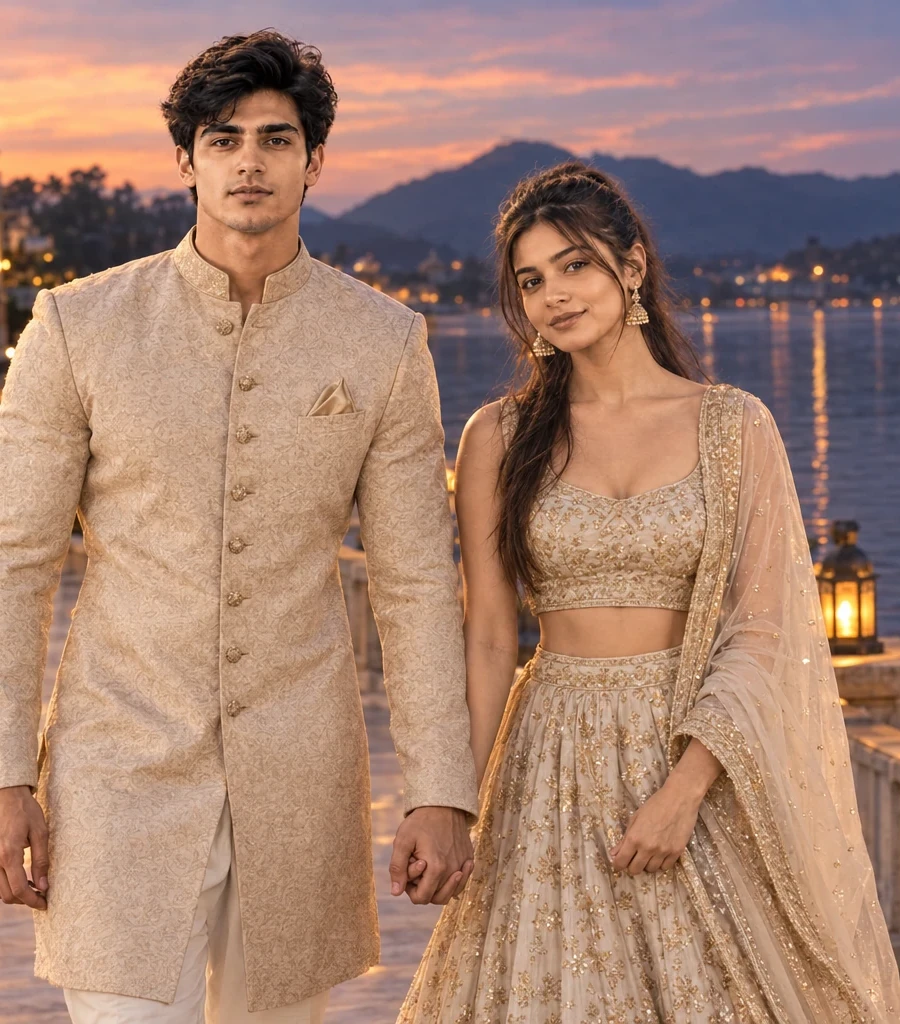
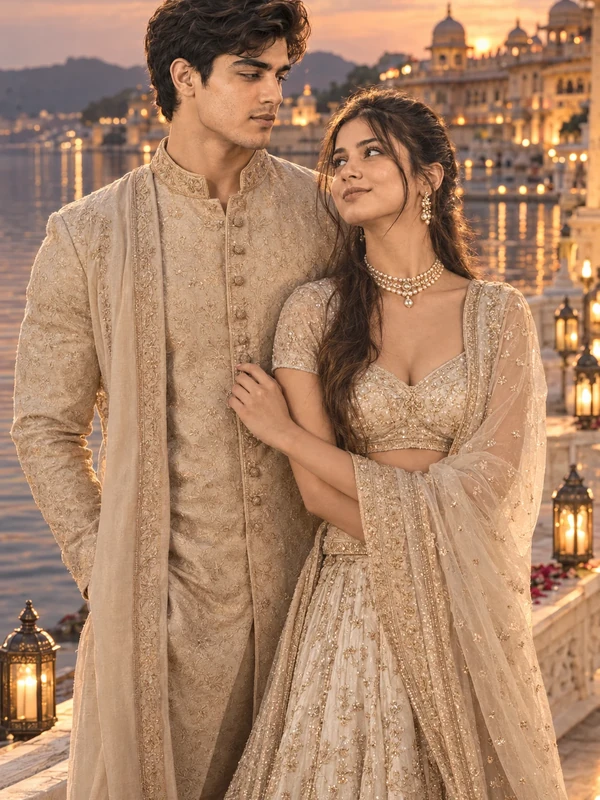
FACIAL IDENTITY — DO NOT CHANGE: Keep facial identity fully locked to the uploaded photos for both individuals, no structural or skin tone changes. Each person's face angle or direction may change to match their pose, but the identity itself — same eyes, nose, lips, and skin tone — must stay unchanged for both. Capture the couple walking along the marble pathway as twilight deepens over the lake, their heads turned directly toward the camera so their faces stay clearly visible, lanterns beginning to glow warmly around them. Ivory-gold lehenga and beige sherwani catching the last soft light, hands intertwined. Wide 35mm establishing shot, cool-warm twilight color palette, telephoto compression, ultra realistic 8K detail.
What this prompt creates
Twilight silhouettes carry a natural romance that daylight photos rarely achieve, and the Lakeside Wedding Twilight AI Photo Prompt captures exactly that fading-light walk along the lakeside.
What This Prompt Creates
This prompt generates a couple portrait walking as a twilight silhouette along the lakeside palace grounds, using the fading light to create a romantic, softly lit composition.
Identity Locked for Both, Even Through Motion
The prompt keeps facial identity fully locked to the uploaded photos for both individuals, with no structural or skin tone changes. Each person's face angle may change to match their pose, but the identity itself — same eyes, nose, lips, and skin tone — must stay unchanged.
Who This Suits
This prompt is a strong choice for couples wanting a romantic, silhouette-style wedding portrait with genuine movement — well suited for an anniversary tribute or a dramatic keepsake.
Part of the Wedding Collection
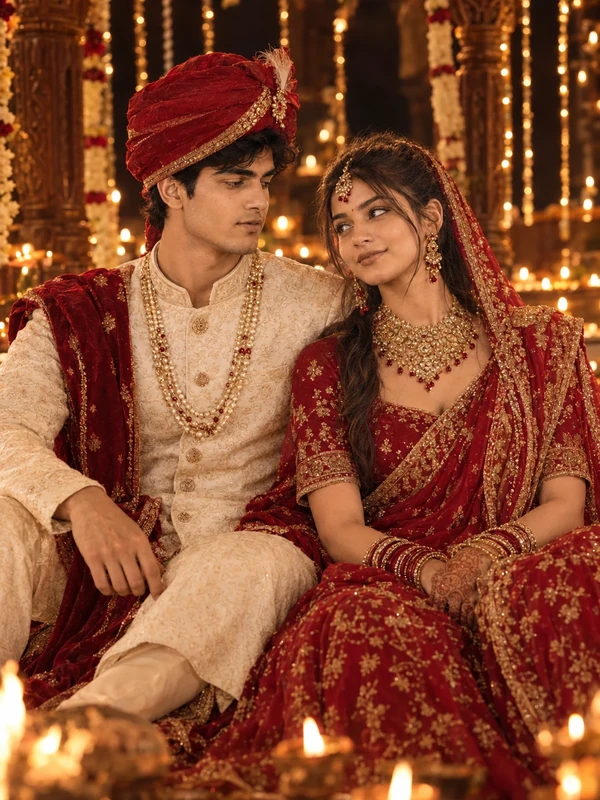
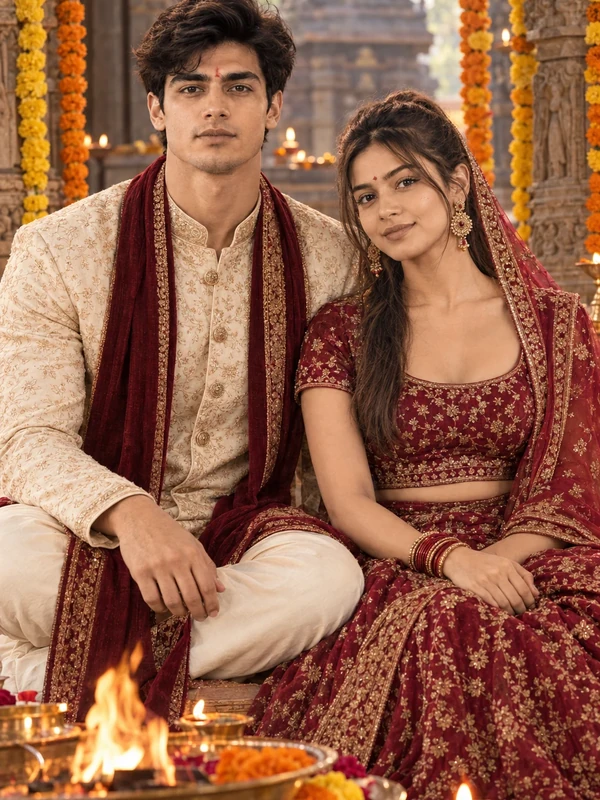
This prompt sits in the Couple category as part of the couple-wedding collection, alongside lakeside wedding reflection and temple wedding diya prompts.
How to Use It
Upload a clear reference photo of both people, copy the prompt in full, and use it in ChatGPT or Gemini's image generation tool.