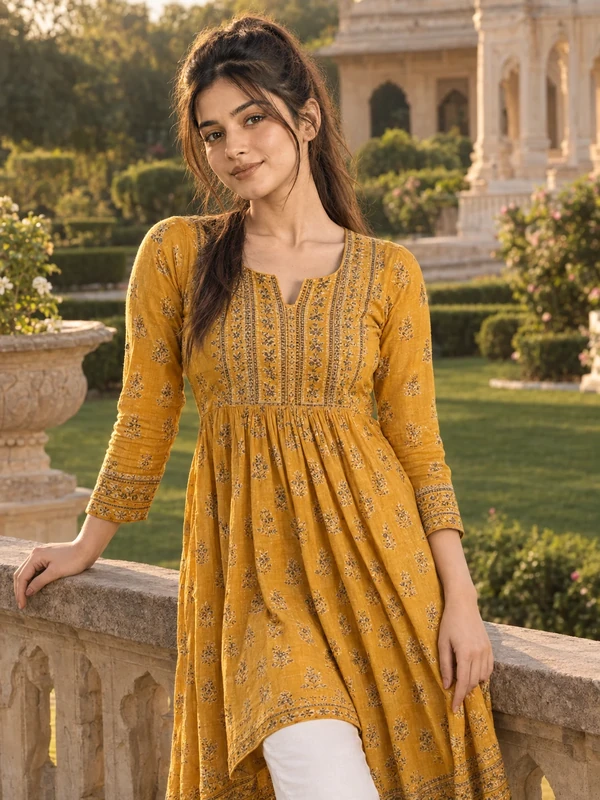
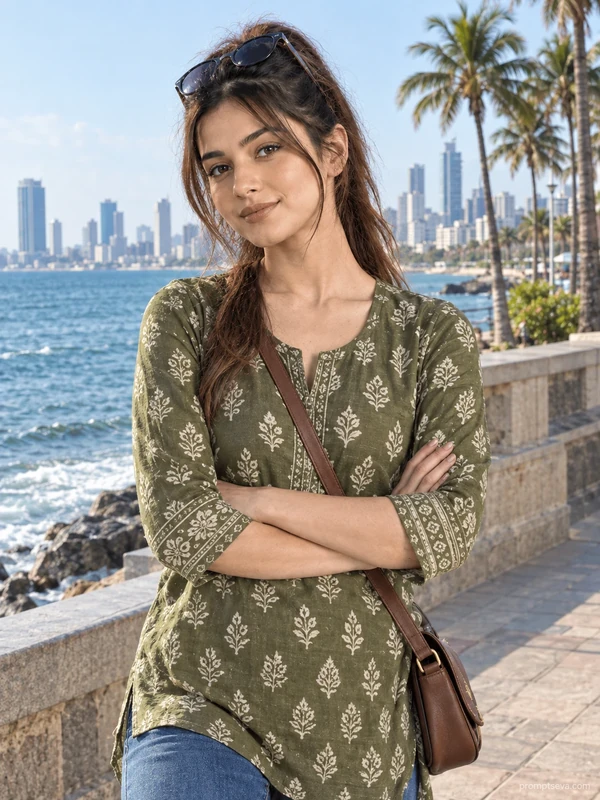
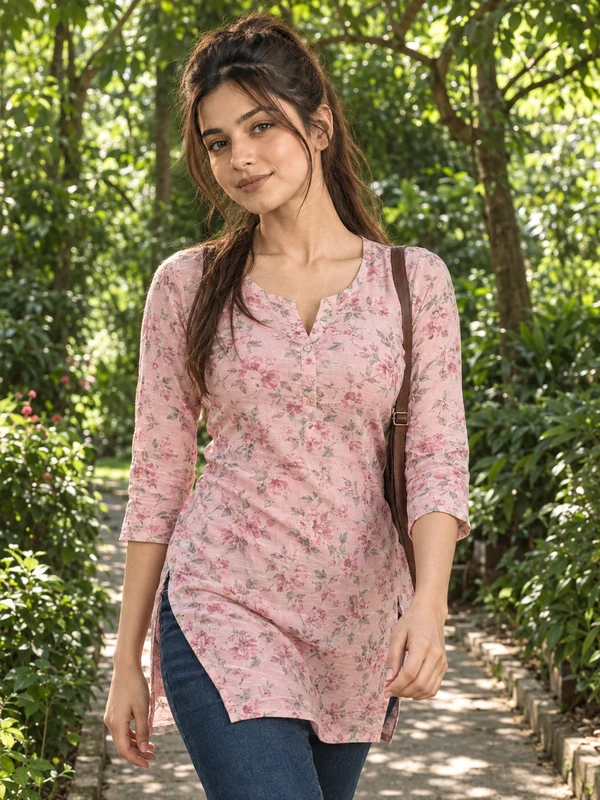
This free kurti and denim prompt turns your photo into a relaxed, everyday-elegant portrait — an embroidered white cotton kurti paired with light blue straight-fit jeans, standing casually in front of carved heritage sandstone arches. This is a deliberately simple, wearable combination: no elaborate styling, no dramatic pose, just a comfortable outfit against a textured architectural backdrop that adds warmth and character without overpowering the subject.
The pose is intentionally low-key — one hand in the pocket, weight shifted onto one leg, a natural smile rather than a posed camera stare. That casualness is what makes the final image feel like a genuine everyday photo rather than an obviously staged AI generation, and it's a good starting point if you're new to using face-preserving prompts and want a low-risk, high-success first attempt.
How to Use This Prompt
1. Copy the full prompt above. 2. Open ChatGPT, Gemini, or any AI image tool that supports image uploads. 3. Upload one clear, front-facing photo of yourself. 4. Paste the prompt exactly as written and send it. 5. The AI will generate a photorealistic heritage-arch portrait using your actual face, styled in the white kurti and denim outfit described above. 6. If the embroidery detail looks too faint, ask the AI to "increase visible thread detail and texture on the kurti embroidery."
This is a strong opening prompt for the kurti and denim collection — pair it with the Marine Drive or Ambience Mall prompts from the same set for a mix of heritage and modern urban backdrops.
Why Face Preservation Matters Here
Because this prompt uses natural daylight and a relatively neutral, everyday pose, it's actually one of the easier scenarios for AI models to keep facially accurate — there's no dramatic lighting or expression to distract from the core task. Still, the facial identity instructions matter, since even simple, well-lit portraits are where subtle over-smoothing or symmetry "correction" tends to happen by default in many AI tools.
If your result looks slightly too polished or generic compared to your reference photo, add a follow-up like "keep visible skin texture and natural asymmetry, do not apply portrait smoothing." This is a good baseline instruction to reuse across any of the prompts in this collection.
Who This Prompt Works Best For
This heritage-arch look is a good fit for anyone who wants a versatile, everyday photo that still has a strong sense of place — travel bloggers documenting a Rajasthan trip, profile photos for people who want to look approachable rather than overly styled, or the anchor image in a series where you plan to swap outfits and locations but want a consistent starting point. Because the pose and outfit are simple, it's also the easiest prompt in this collection to adapt: change the kurti color or the architectural backdrop and you have a new variant without touching the core structure.
It's a weaker choice if you want a bold, statement-making image — the whole point of this prompt is understated realism, so if you're after something more editorial or dramatic, the mall storefront or palace garden prompts later in this collection will serve that purpose better.
Common Mistakes to Avoid
The most common mistake here is overcomplicating a prompt that's designed to be simple — adding extra styling requests on top of the existing outfit description can create conflicting instructions that confuse the AI rather than improve the result. Another frequent issue is using a reference photo with an unusual expression (mid-laugh, mid-speech) when the target is a warm, natural smile — a slight mismatch between your reference expression and the requested one can occasionally cause odd blending around the mouth. Finally, avoid backgrounds in your reference photo that are as visually busy as the destination scene; a plain or simple background in your source photo gives the AI a cleaner face to extract before it places you against the textured sandstone arches. It also helps to double check the embroidery on the kurti after generation, since fine thread detail on a light-colored fabric is one of the small elements AI models sometimes simplify or blur if not explicitly reinforced with a follow-up request.
Tips for Best Results
- Use a well-lit, front-facing reference photo — this prompt's simplicity means the AI has less to "fix" if your original photo is already clear and evenly lit.
- If the stone arch background looks too flat, ask for "more visible texture and weathering on the sandstone architecture" in a follow-up.
- Try both ChatGPT and Gemini — embroidery and fabric texture rendering can differ between the two.
- For a slightly different mood, you can ask for "early morning light instead of midday" while keeping the outfit and pose the same.
- If you're building the full kurti and denim series, use this prompt as your baseline and only change the outfit color and location details across the other four in the collection.