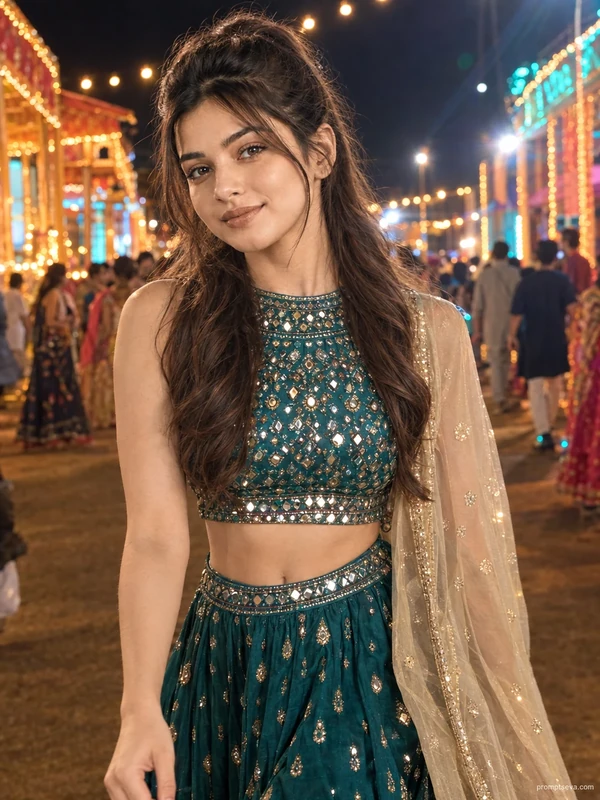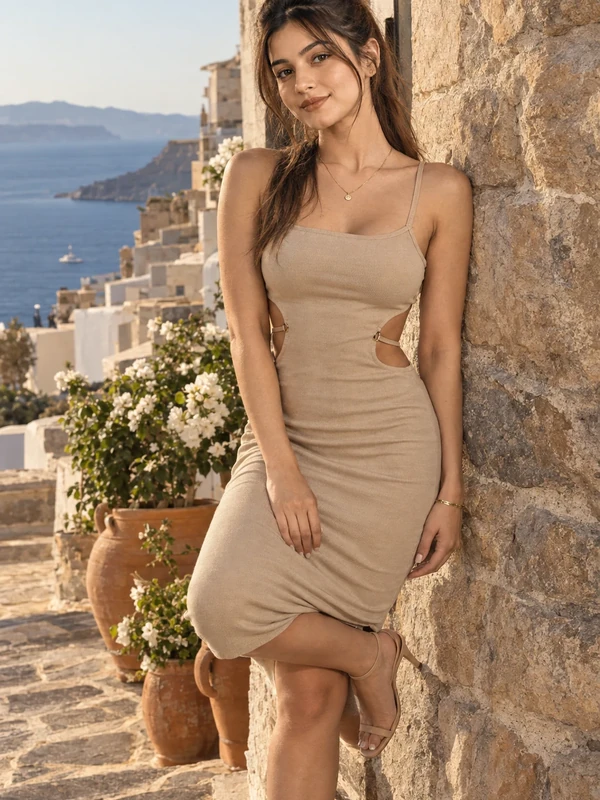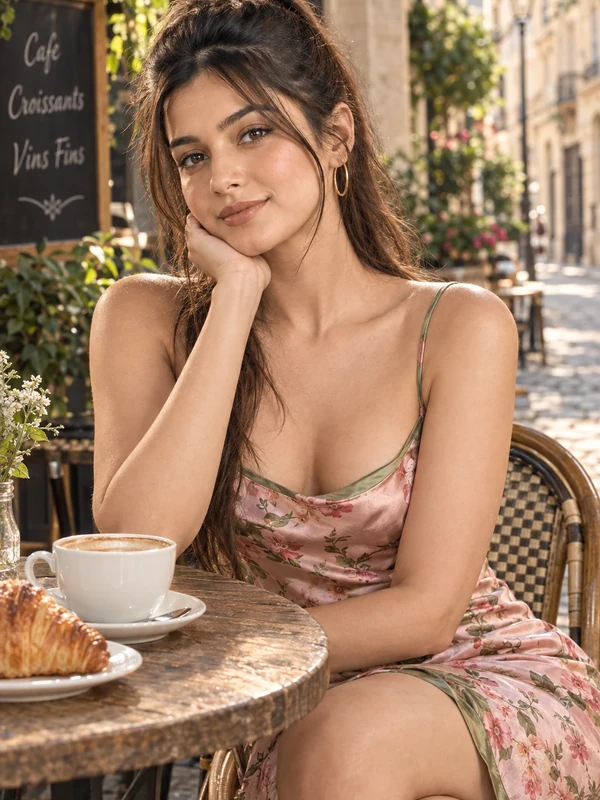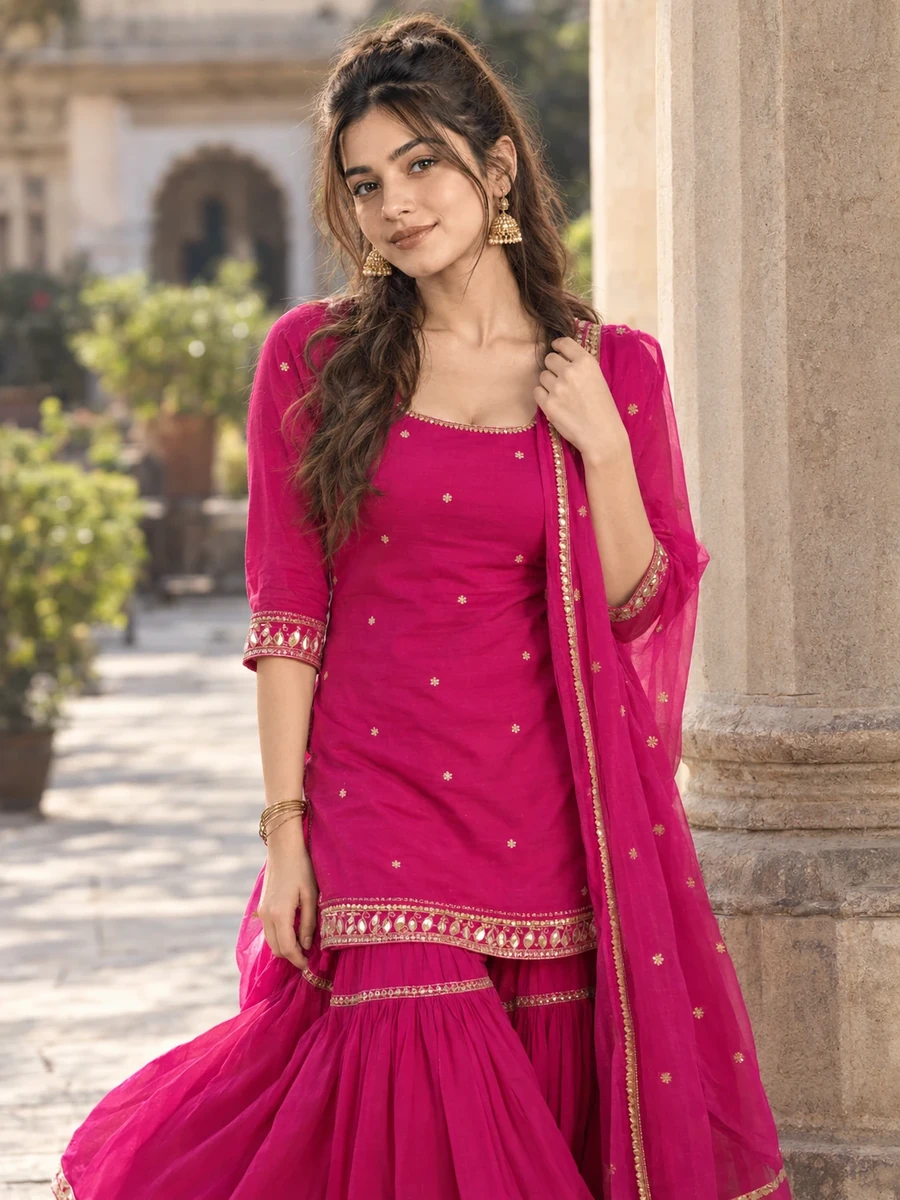
This photo prompt turns an ordinary photo into a bold, graphic portrait beside a column in a fuchsia sharara in a single generation. You get the same striking colour-forward look shown above with no editing skills needed. It leans on a strong pink tone and a clean architectural column to build a confident, statement-making frame.
What this prompt creates
The instruction places the subject beside a solid architectural column, wearing a fuchsia sharara suit with contrasting detailing, in bright, even light. It's a vertical portrait with a shallow depth of field, so the column reads as a clean vertical line rather than a busy backdrop. At around 170 words, the prompt is precise about the colour and the setting while leaving the exact pose and expression for the model to interpret. The result stays recognisably you because your uploaded photo, not the prompt text, drives the likeness.
How to use this photo prompt
1. Tap Copy prompt above to copy the full text. 2. Open ChatGPT or Gemini and start a new chat. 3. Upload a clear, front-facing photo of yourself. 4. Paste the prompt and send it. 5. If the first result isn't quite right, regenerate once or twice — small wording changes shift the vibrancy of the colour noticeably.
Tips for a better result
- Use a bright, well-lit source photo, since the model can only preserve detail it can actually see.
- Leave headroom in your original photo — the output favours a vertical portrait, not a tight square crop.
- If the fuchsia looks washed out, add "vivid, saturated fuchsia" to push the colour intensity up.
- Change one variable per regeneration — the exact shade, the column material, or the pose — rather than the whole prompt.
- Run the generation twice. Image models are random, and a second attempt is often more vibrant and better composed.
- Start from your highest-resolution photo, since fabric detail and contrast trims depend on what the model can see.
Who this prompt suits
This prompt suits girls who want a bold, colour-forward portrait rather than a muted or traditional one. It works well as an Instagram post, a profile picture, or a WhatsApp DP, and holds up clearly on both phone and desktop screens.
Bright, saturated portraits like this one tend to stand out well in a grid feed, since the strong colour contrast draws the eye compared to more muted posts nearby.
More prompts like this
For more from this set, see the Yellow Anarkali Kurti AI Photo Prompt for a fresh daytime mood, the Red Kurti AI Photo Prompt for Girls for a relaxed outdoor scene, the Plum Anarkali Kurti AI Photo Prompt for a moodier indoor look, and the Dusty Pink Sharara AI Photo Prompt for a softer take on the same silhouette. Browse the full Prompts for Girls collection, and check the PromptSeva homepage for the newest prompts. If fuchsia feels too bold for your feed, the same column composition works well with a deep teal or mustard outfit instead.
A second regeneration is especially worth trying here, since saturated colours are the part of an image most likely to shift between generations, and a small shift in tone can make a noticeable difference to the final feel.
If your feed already leans toward muted tones, a single bold post like this one can act as a deliberate contrast point rather than clashing with the rest of your grid.
What makes this style work
A few deliberate choices carry this look. The colour is named specifically and pushed toward saturation, which is what gives the image its confident, graphic feel instead of a washed-out result. The column is described as a clean, solid shape, which gives the composition a strong vertical anchor rather than a cluttered background. And the even, bright lighting keeps the colour true rather than shifting warm or cool depending on shadow.
You can reuse this same structure for your own prompt ideas: subject and outfit, then setting, then light and camera, then a short negative list, in that order. That sequence is what keeps a prompt behaving consistently across multiple generations instead of drifting each time you run it.