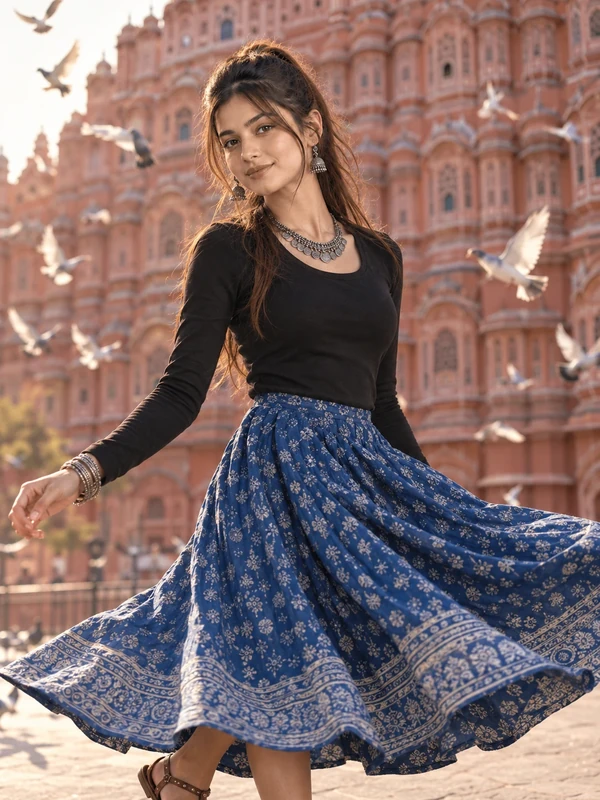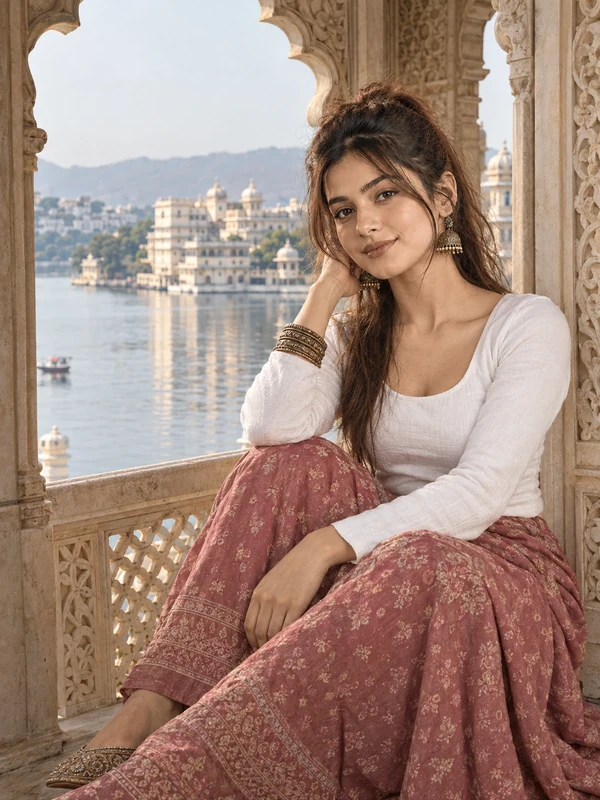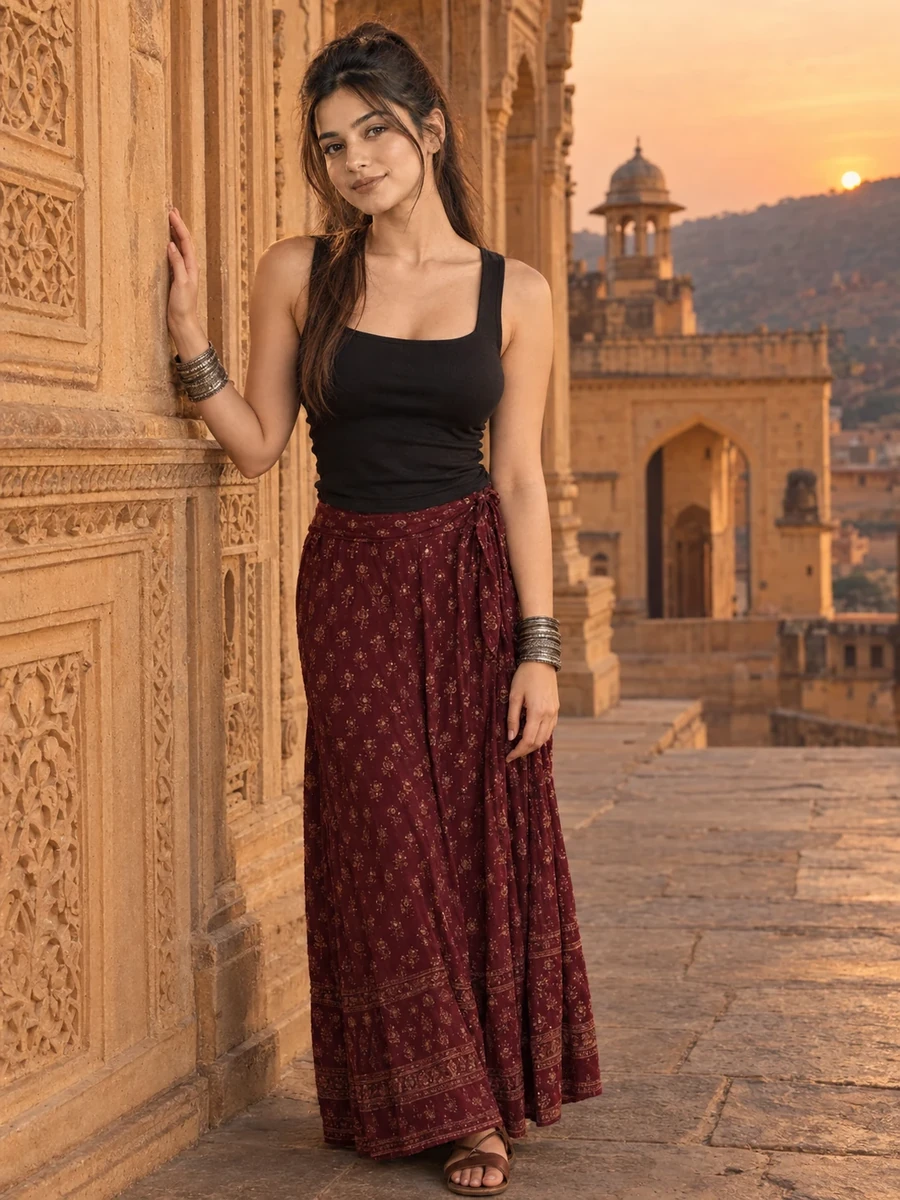
This free Rajasthan travel prompt turns your photo into a quiet, texture-focused portrait — a deep burgundy skirt and black top, one hand resting gently against the intricately carved sandstone wall at Amber Fort, lit by the warm glow of evening dusk. As the closing prompt in the Rajasthan travel collection, this one slows things down compared to the twirling motion and dramatic sunset earlier in the set, focusing instead on a single, still moment of connection between the subject and the fort's Rajput architectural detail.
The medium-format style camera specification (80mm equivalent) is a deliberate choice for this portrait — medium format photography is known for exceptional detail rendering, which suits a scene built specifically around showcasing intricate carved stone texture alongside the subject.
How to Use This Prompt
1. Copy the full prompt above. 2. Open ChatGPT, Gemini, or any AI image tool that supports image uploads. 3. Upload one clear, front-facing photo of yourself. 4. Paste the prompt exactly as written and send it. 5. The AI will generate a photorealistic Amber Fort portrait using your actual face, with your hand resting against the carved sandstone wall. 6. If the carved architectural detail looks too generic, ask the AI to "add more specific, intricate Rajput-style carving detail to the sandstone wall."
As the final prompt in this collection, this quiet, texture-rich portrait pairs well with the Jharokha seated prompt for two calmer, detail-focused images to close out a full Rajasthan travel photo set.
Why Face Preservation Matters Here
Like the City Palace walk prompt, this scene involves a hand near part of the body in close proximity to the face and shoulder area, which can introduce minor rendering complexity at the point of contact. Combined with warm evening dusk lighting that shifts color temperature across the whole scene, this prompt asks the AI to juggle multiple factors while still holding the face steady as a fixed reference point.
If your facial features look altered by the warm dusk lighting or affected by the nearby hand position, add a follow-up like "keep the facial structure and skin tone matched precisely to the reference photo, the evening warmth should only affect ambient lighting, not the underlying face or its proximity to the hand."
Who This Prompt Works Best For
This texture-focused Amber Fort portrait is a strong closing image for a Rajasthan travel set, and it also works well on its own as a reflective, quieter alternative to more high-energy travel photos — a printed keepsake, a thoughtful caption-driven post, or an image meant to convey a sense of history and craftsmanship rather than personal energy or movement. The medium-format-style detail rendering also makes it a good choice if you specifically want the carved stonework to be a co-star of the image alongside the subject, rather than a blurred backdrop.
It's a less ideal pick if you want the subject's expression or pose to carry most of the visual interest — this prompt intentionally shares focus between the person and the architectural texture, so if you want a portrait where the face is the undisputed center of attention, one of the collection's more front-facing prompts will serve that better.
Common Mistakes to Avoid
Since this prompt places a hand in close proximity to carved stone texture right next to the body, a common mistake is not reviewing the hand-to-wall interaction closely — fine detail at contact points between a hand and a textured surface is exactly where small AI rendering errors tend to show up, so it's worth a careful look before finalizing. Another frequent issue is uploading a reference photo shot under cool or mixed lighting and expecting a clean match with the warm evening dusk tones described in the scene; a neutrally-lit reference photo gives the AI the clearest possible baseline for your actual skin tone before the warm dusk light is applied. Finally, don't settle for generic-looking carved detail on the sandstone wall — Rajput architectural carving has a distinctive style, and it's worth a specific follow-up request naming that style if the first result looks like generic stone texture rather than intricate relief work.
Tips for Best Results
- Use a reference photo with neutral, accurate lighting — this gives the AI a clean baseline skin tone before the warm dusk lighting is applied.
- If the sandstone carving looks flat or under-detailed, ask for "deeper relief and more visible carved pattern detail on the sandstone wall" in a follow-up.
- Try both ChatGPT and Gemini — fine architectural texture rendering combined with warm lighting is a strong final test case for comparing tool quality across the collection.
- For a cooler alternative mood, you can ask for "soft blue hour light instead of warm dusk" while keeping the pose and wall interaction the same.
- If you're completing the full Rajasthan travel collection, this reflective, texture-focused portrait makes a fitting closing image after the more energetic Hawa Mahal and sunset shoulder-turn prompts earlier in the set.