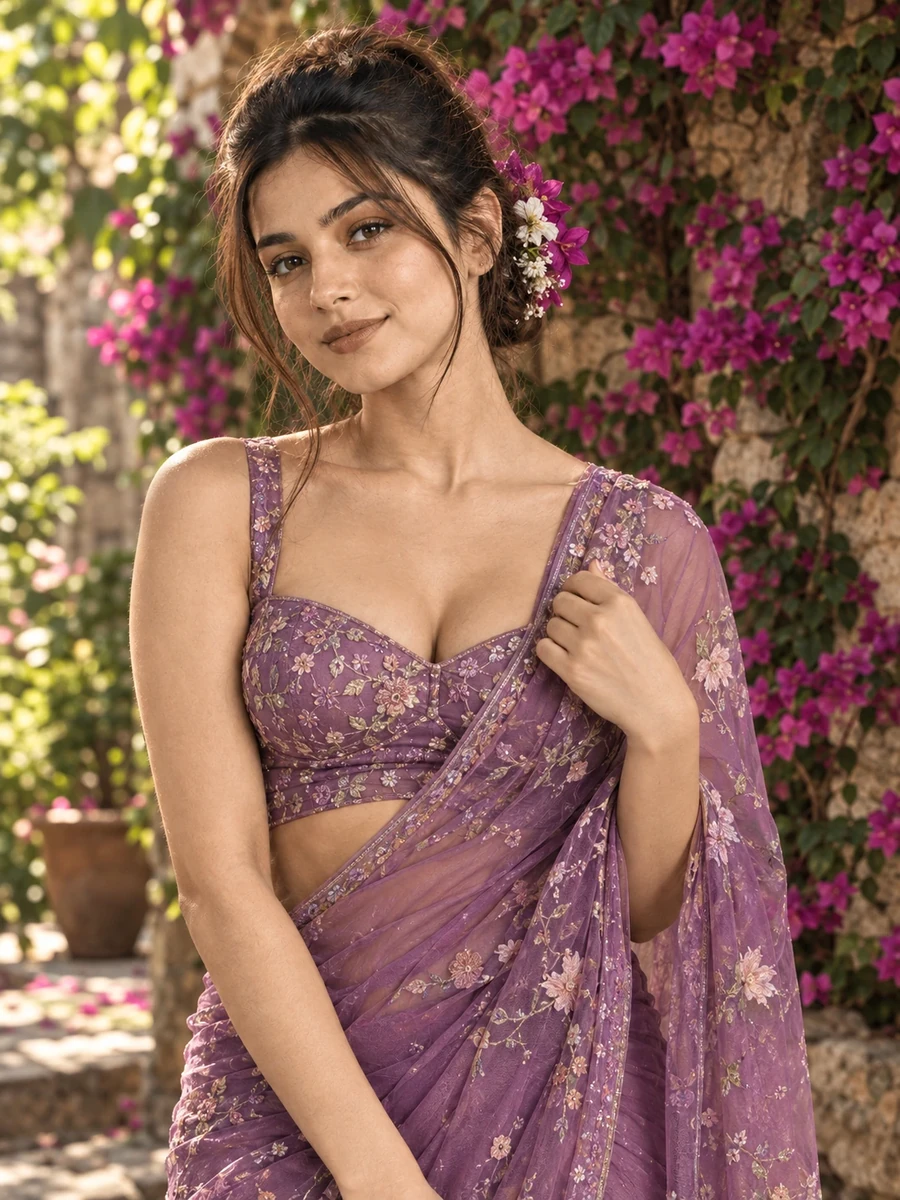
This free saree prompt turns your photo into a warm, romantic garden portrait — a flowing purple net and silk saree with floral embroidery, standing in a blooming bougainvillea courtyard against an old stone wall. The dappled afternoon light filtering through leaves is the defining feature here: it creates natural, uneven patches of warmth and shadow across the scene, giving the image a lived-in, real-garden feel rather than a flat studio backdrop.
The styling choices reinforce that garden-editorial mood — flowers tucked into a traditional bun echo the surrounding bougainvillea, while holding the pallu with one hand is a classic, elegant saree pose that photographs well from a standing three-quarter angle. The warm color grading pulls the purple saree and the pink-magenta bougainvillea into a cohesive, complementary palette rather than competing colors.
How to Use This Prompt
1. Copy the full prompt above. 2. Open ChatGPT, Gemini, or any AI image tool that supports image uploads. 3. Upload one clear, front-facing photo of yourself. 4. Paste the prompt exactly as written and send it. 5. The AI will generate a photorealistic garden courtyard portrait using your actual face, styled in the purple saree described above. 6. If the bougainvillea looks too sparse or artificial, ask the AI to "make the bougainvillea flowers denser and more naturally overgrown on the stone wall."
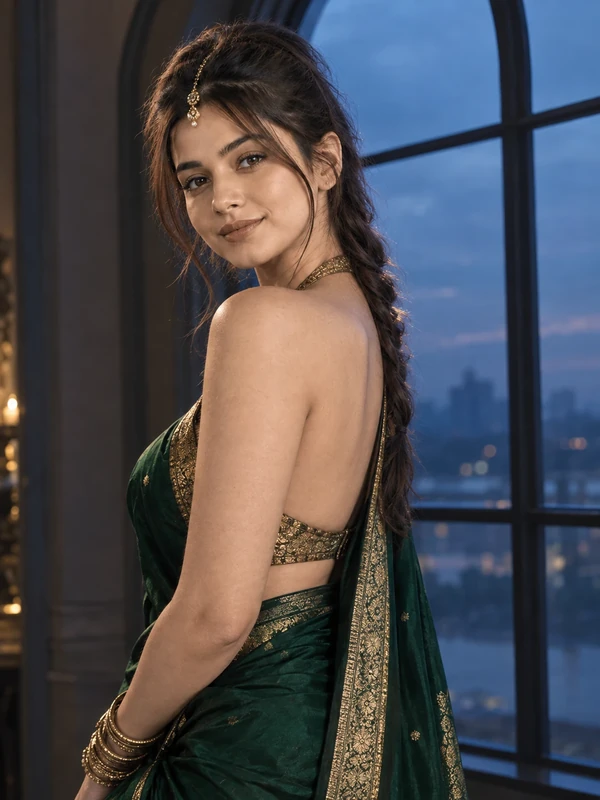
This prompt opens the ChatGPT saree collection — pair it with the peacock blue street walk or emerald window prompts from the same set for a range of outdoor and indoor saree looks.
Why Face Preservation Matters Here
Dappled garden light, similar to the effect used in the kurti garden-walk prompt, creates uneven patches of brightness across the face that can sometimes confuse an AI model into altering facial contours rather than simply varying the lighting on top of a fixed structure. This prompt's facial identity instructions are written to keep your actual bone structure and features locked in place regardless of how the leaf-filtered light falls across them.
If your face looks distorted specifically where the dappled shadows fall, add a follow-up like "the dappled light should only change brightness across the face, not the underlying facial shape or proportions."
Who This Prompt Works Best For
This garden courtyard portrait suits occasions with a romantic or celebratory outdoor feel — a haldi function, an engagement announcement, or simply a profile photo for anyone who wants their saree photo to feel warm and natural rather than formally staged. The 85mm portrait lens and soft background blur also make it a strong choice if you want the saree and the bougainvillea colors to be the visual focus, since the shallow depth of field keeps the stone wall texture present without competing for attention.
It's a less ideal pick if you need a sharp, fully-in-focus background for context (a specific landmark or venue, for example) — the blurred bougainvillea backdrop is intentionally soft and somewhat generic, so if a recognizable setting matters, look toward one of the more architecturally specific prompts in the wider collection.
Common Mistakes to Avoid
A common mistake is uploading a reference photo taken in flat indoor lighting and expecting a seamless match with the warm, dappled outdoor light described in the scene — a reference photo with at least some natural light gives the AI an easier structural match to work from. Another frequent issue is not accounting for how the traditional bun and tucked flowers interact with your actual hairline; if your hair type or length differs significantly from what the AI defaults to, a follow-up specifying your actual hair texture can improve accuracy. Finally, avoid vague follow-up requests like "make it look better" when the bougainvillea or embroidery looks off — naming the specific element (denser bougainvillea, sharper embroidery thread detail) gets a far more useful correction than a general regeneration request. It also helps to mention your actual hair length in a follow-up if the generated bun looks too small or too large relative to your real hair, since the AI has no way to know your hair length from a face-only reference photo.
Tips for Best Results
- Use a reference photo with even, clear lighting on the face — this gives the AI a stable structural baseline before the more complex dappled garden light is applied.
- If the saree's floral embroidery looks blurry, ask for "sharp, well-defined embroidery thread detail on the saree" in a follow-up.
- Try both ChatGPT and Gemini — dappled natural light scenes are a good test of which tool handles broken, uneven lighting more realistically.
- For a cooler alternative mood, you can ask for "soft overcast garden light instead of dappled sunlight" while keeping the outfit and pose the same.
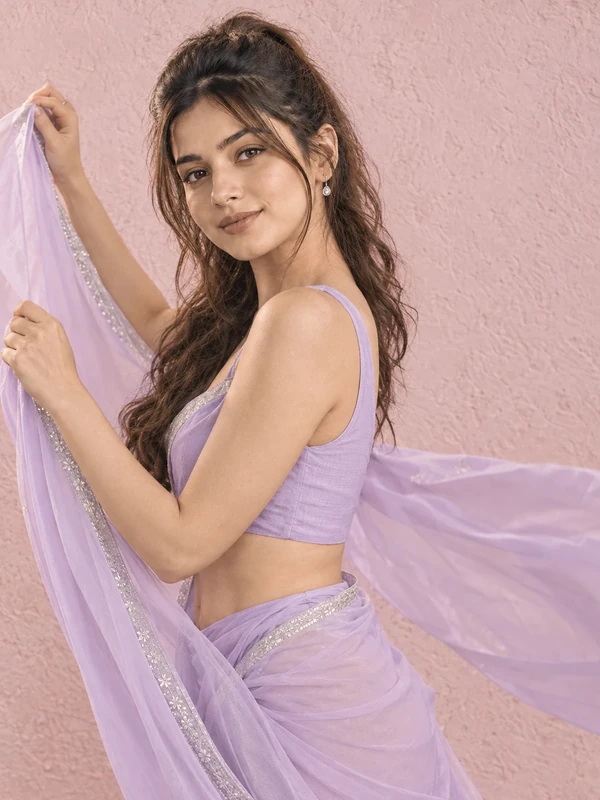
- If you're building the full ChatGPT saree collection, this garden portrait pairs especially well with the pastel lavender look for two soft, romantic outdoor-adjacent styles.