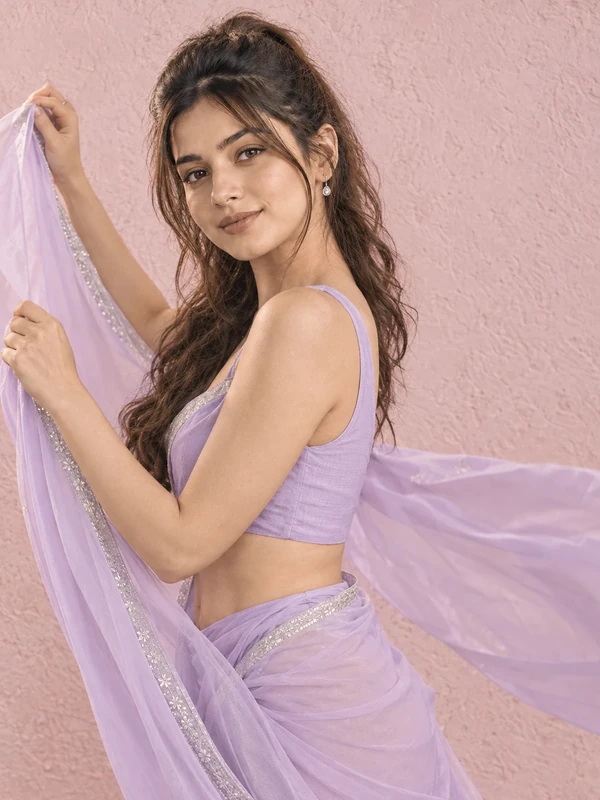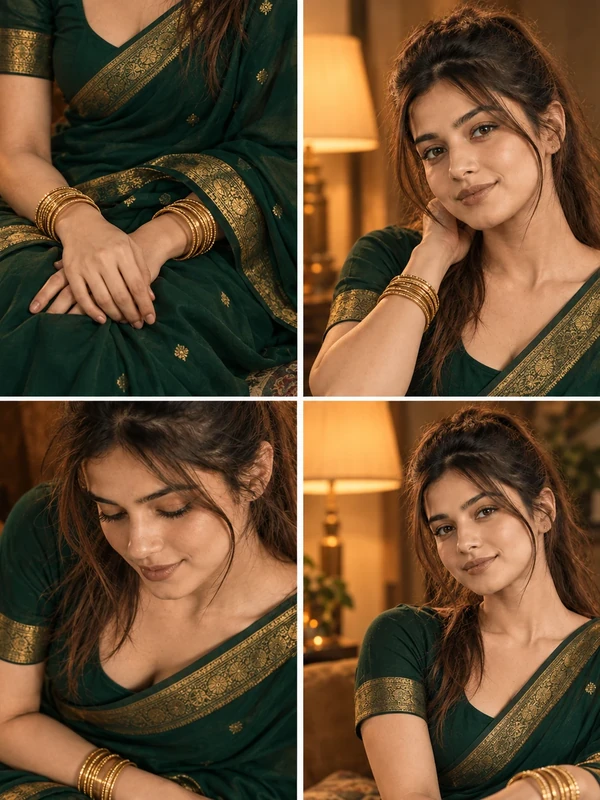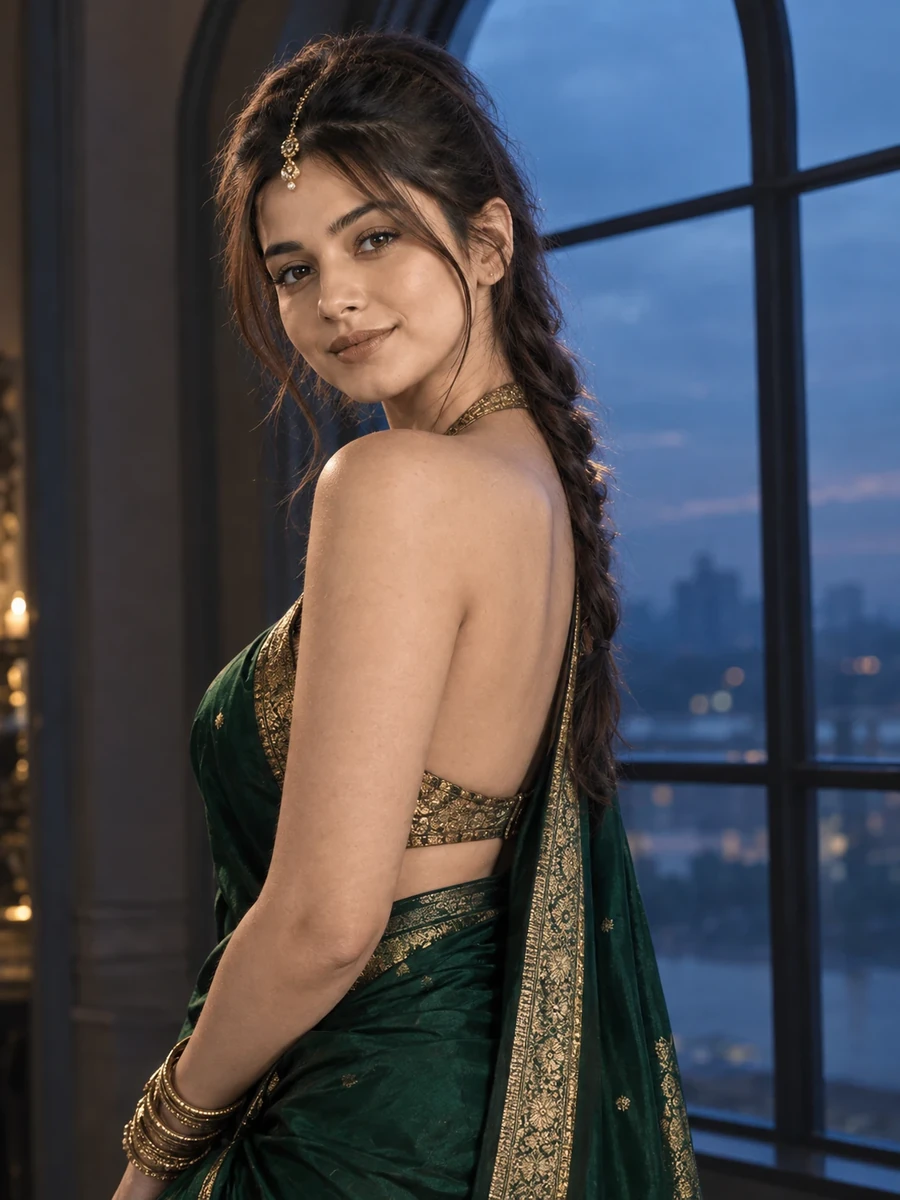
This free saree prompt turns your photo into a moody, luxury-editorial portrait — a deep emerald green silk saree with a gold zari border and halter-style blouse, standing near a tall arched window as blue dusk light fades outside. As the closing prompt in the ChatGPT saree collection, this one brings together the most dramatic lighting technique in the set: rim lighting from the window against a cool, moody dusk color grade, creating a strong sense of depth and luxury rather than flat, evenly-lit realism.
The over-the-shoulder glance pose is a deliberate choice that suits this dramatic lighting well — turning slightly away from the camera and glancing back creates natural directional interest, and it also means the rim light from the window can catch the side of the face and shoulder in a way that a fully front-facing pose wouldn't allow.
How to Use This Prompt
1. Copy the full prompt above. 2. Open ChatGPT, Gemini, or any AI image tool that supports image uploads. 3. Upload one clear, front-facing photo of yourself. 4. Paste the prompt exactly as written and send it. 5. The AI will generate a photorealistic dusk window portrait using your actual face, styled in the emerald green saree described above. 6. If the rim lighting looks too subtle or too harsh, ask the AI to "adjust the rim lighting intensity from the window to be more balanced and natural."
As the final prompt in this collection, this moody portrait pairs especially well with the peacock blue street walk for two prompts that both use deliberate cool-toned color grading.
Why Face Preservation Matters Here
This prompt combines two of the more challenging conditions for facial accuracy at once: an over-the-shoulder angle that reduces how much of the face is directly visible, and dramatic rim lighting that creates strong shadow on part of the face. Together, these can give an AI model significant room to reinterpret facial features rather than simply lighting and angling your actual reference structure. The facial identity instructions in this prompt need to hold up under both conditions simultaneously, making this the most demanding face-preservation scenario in the ChatGPT saree collection.
If the face looks noticeably less accurate in this shot than in more front-facing prompts, it can help to explicitly separate the two challenges in your follow-up: "first confirm the facial structure matches the reference photo exactly, then apply the over-the-shoulder angle and rim lighting as separate effects on top of that structure."
Who This Prompt Works Best For
This dramatic dusk-window portrait suits anyone wanting a single, high-impact luxury-editorial image — a striking profile photo, the closing image in a themed saree photo set, or content for an account that leans into moody, cinematic visuals rather than bright festive tones. Because the rim lighting and over-the-shoulder pose create such a distinct mood, it also works well as a scroll-stopping image in a feed dominated by more evenly-lit, straightforward portraits.
It's a demanding choice if you're new to using face-preservation prompts, since the combination of an angled pose and dramatic lighting is inherently harder for AI tools to render accurately than a simple front-facing shot — if you want a more reliable first attempt, start with one of the collection's front-facing prompts before trying this one.
Common Mistakes to Avoid
Given that this prompt combines an over-the-shoulder angle with strong rim lighting, the most common mistake is expecting first-attempt accuracy equal to the simpler, front-facing prompts in this collection — plan for at least one round of correction, and consider requesting the facial structure be confirmed as accurate before the angle and lighting effects are layered on top. Another frequent issue is uploading a reference photo that's already partially angled or poorly lit, which compounds the difficulty; a strong, clear, fully front-facing reference photo gives the AI the best possible baseline for this particular scene. Finally, don't ignore the arched window's architectural symmetry — asymmetric or warped archways are a common small flaw in dramatically-lit architectural scenes, so it's worth a specific check and follow-up request if the window shape looks inconsistent.
Tips for Best Results
- Use a clear, well-lit, fully front-facing reference photo — this prompt asks the AI to extrapolate a partial, angled, dramatically-lit view from it, so starting with the strongest possible reference matters more here than in simpler prompts.
- If the window arch looks architecturally inconsistent, ask for "structurally accurate, symmetrical arched window design" in a follow-up.
- Try both ChatGPT and Gemini — dramatic rim lighting combined with an angled pose is one of the best tests for comparing which tool handles complex lighting and partial-face accuracy together.
- For a less dramatic alternative, you can ask for "softer, more even lighting instead of strong rim light" while keeping the pose and outfit the same.
- If you're completing the full ChatGPT saree collection, save this moody window portrait for last — its dramatic, editorial tone makes a strong closing image after the brighter garden and street-style looks earlier in the set.