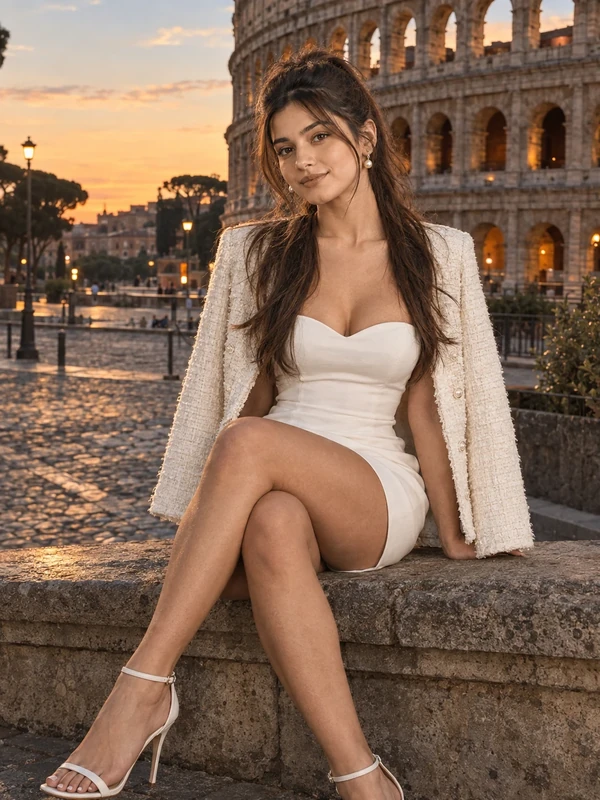
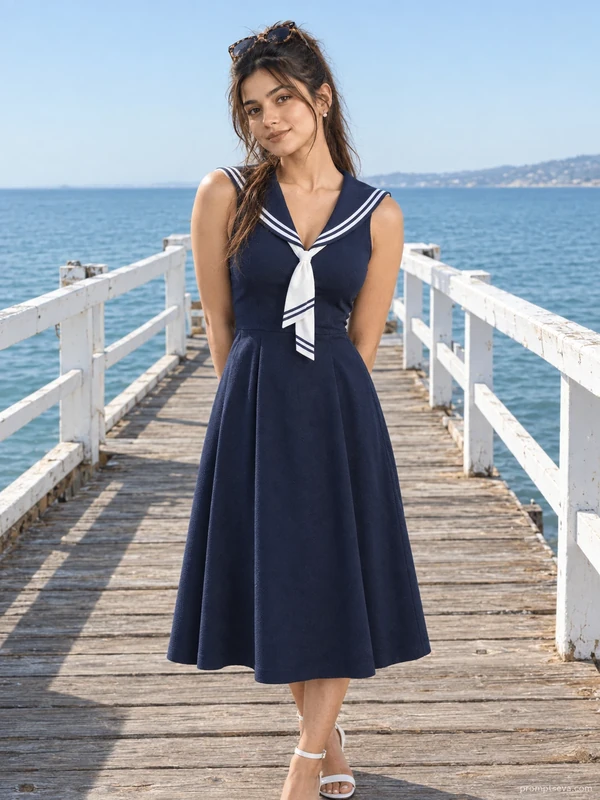
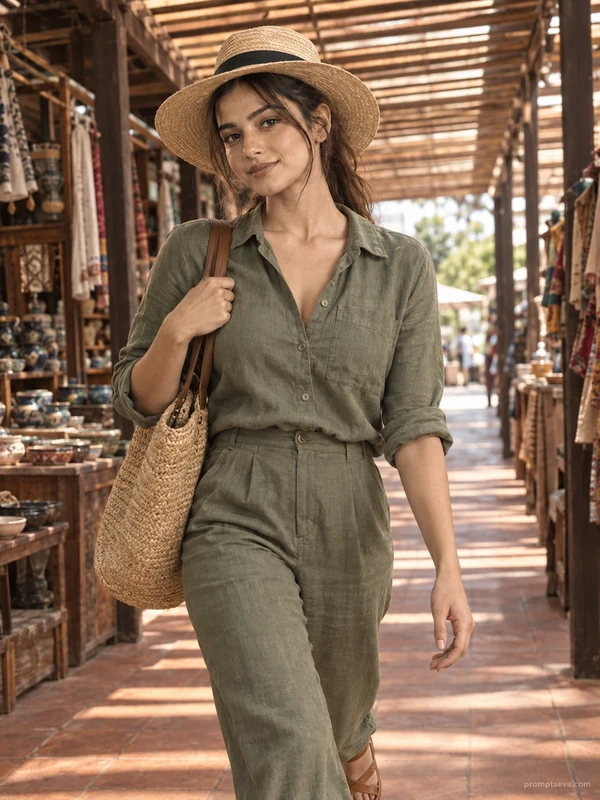
This free botanical garden prompt turns your photo into a calm, editorial-style seated portrait — a cream eyelet lace blouse, sand-beige linen trousers, and white leather mules, framed against the glass-and-iron entrance of a lush conservatory. The scene is built around soft, diffused light: an overcast sky filtering through a glass canopy, wrapping evenly around the subject without harsh shadows. Potted olive trees and trailing vines soften the stone steps, giving the whole frame a quiet, botanical-magazine feel rather than a typical outdoor snapshot.
What separates this prompt from a generic "garden photo" request is the specificity of the styling and lighting. The lace texture on the blouse, the structured fold of the linen trousers, and the small rattan clutch resting on the lap all add believable, tactile detail. The lighting direction is deliberately soft and overcast rather than sunny — that choice avoids the blown-out highlights and harsh shadow lines that often make AI-generated outdoor portraits look artificial.
How to Use This Prompt
1. Copy the full prompt above. 2. Open ChatGPT, Gemini, or any AI image tool that supports image uploads. 3. Upload one clear, front-facing photo of yourself, preferably with even lighting. 4. Paste the prompt exactly as written and send it. 5. The AI will generate a photorealistic botanical garden seated portrait using your actual face. 6. If the pose feels too stiff, ask the AI to "relax the shoulders slightly and soften the hand position" while keeping everything else the same.
This prompt pairs naturally with other pieces in the summer stroll set — try generating the coastal promenade or market corridor version next to build a cohesive lookbook-style series from a single reference photo.
Why Face Preservation Matters Here
Seated portraits tend to bring the face closer to the camera than full-body walking shots, which means any drift in facial accuracy is far more noticeable. This prompt front-loads the facial identity instructions specifically because of that — bone structure, eye shape, nose, lips, and skin tone are all called out individually so the AI treats them as fixed, not as suggestions to refine. Without this, many tools will default to smoothing skin texture or subtly narrowing the face to fit a more generic "portrait mode" look.
If you find the AI still softening your features too much, add a direct follow-up instruction such as "restore original skin texture, do not smooth or retouch." This tends to work well with tools that apply beautification filters by default.
Who This Prompt Works Best For
Because it's seated, editorial, and evenly lit, this prompt works particularly well for anyone who wants a softer, more polished image than a typical outdoor snapshot — think author photos, wedding-adjacent content (bridal party portraits, save-the-date images), or a calm, professional-but-warm headshot for a personal website. The glass conservatory backdrop also makes it a strong choice for garden, floral, or wellness-focused accounts that want a botanical aesthetic without a busy or cluttered background competing with the subject.
It's a weaker fit if you specifically want energy or movement in the shot — the seated pose and soft overcast lighting are calm by design, so if your goal is a high-energy travel or fashion post, one of the walking prompts in this collection (market corridor or coastal promenade) will read as more dynamic.
Common Mistakes to Avoid
A common misstep is uploading a reference photo shot in harsh direct sunlight — the scene here calls for soft, wrap-around overcast light, and starting from a source photo with strong directional shadows can create a mismatch the AI struggles to reconcile convincingly. Another mistake is expecting a fully candid expression; since this is a seated, composed portrait, an overly casual or laughing reference photo may translate into an oddly mismatched intensity in the final result. Lastly, avoid photos where your hands or arms are cropped out entirely — the prompt specifies a rattan clutch resting on the lap and a particular seated hand position, so a reference that only shows your face and shoulders gives the AI less to work with for a natural, unforced pose.
Tips for Best Results
- Choose a reference photo where your face is clearly visible and not partially turned away — seated poses work best when the AI has a strong frontal reference.
- If the lighting on your face looks too flat or too dramatic, ask for "soft even studio-style light on the face matching the overcast garden lighting."
- Try both ChatGPT and Gemini, since one may render fabric texture (like the lace blouse) more convincingly than the other.
- For extra realism, mention "visible skin texture, no airbrushing" if your first result looks overly polished.
- If you want a warmer mood instead of the cool botanical tone, you can ask for "warm afternoon light instead of overcast skylight" while keeping the rest of the prompt unchanged.