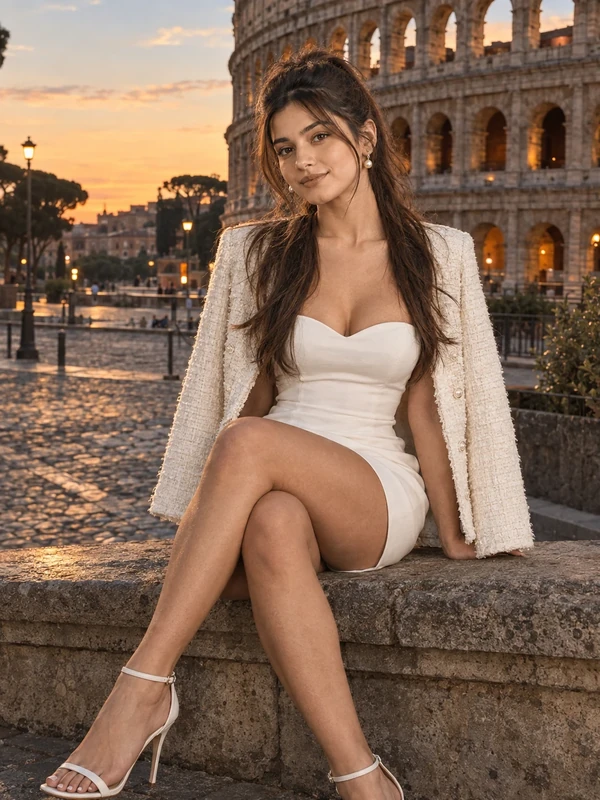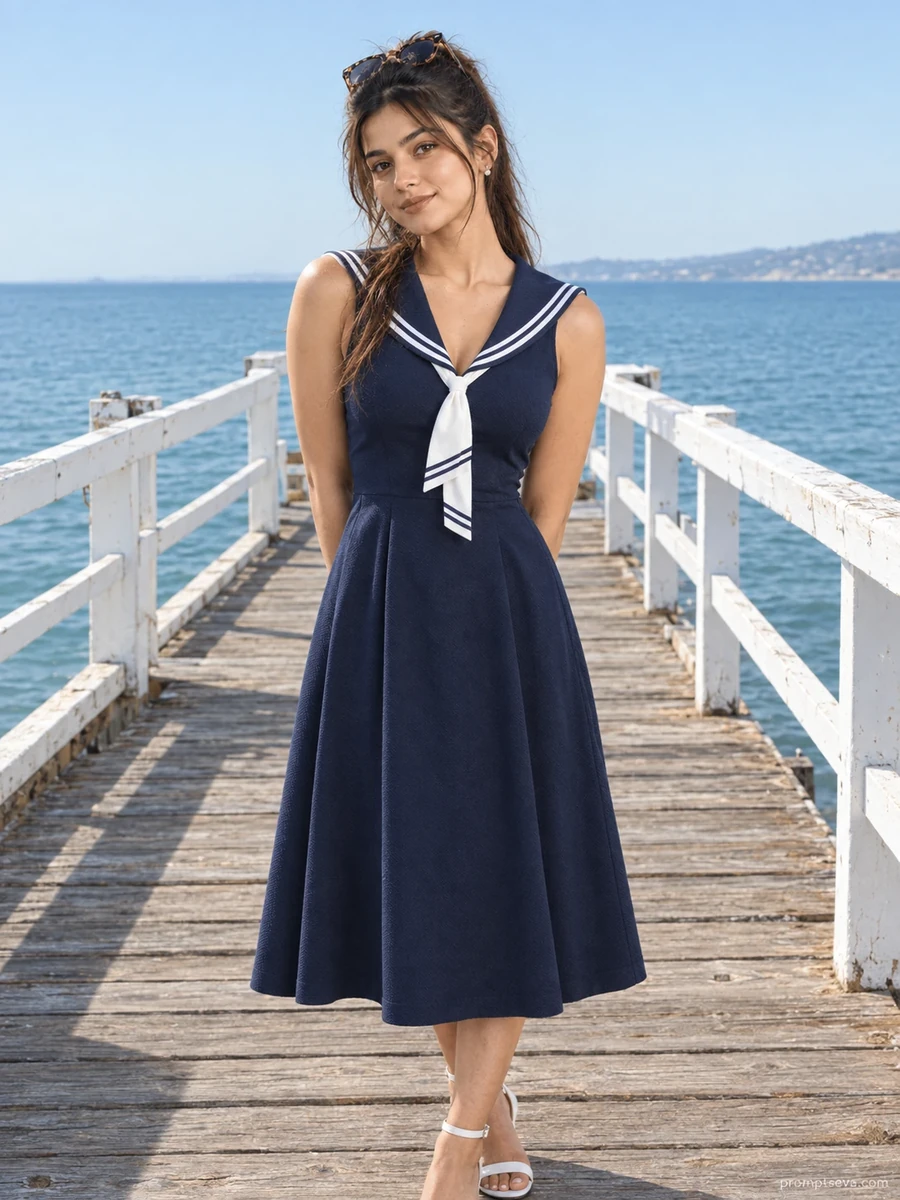
This free ocean pier prompt turns your photo into a clean, editorial-style portrait on a weathered wooden pier — a navy and white nautical midi dress with a sailor collar, tortoiseshell sunglasses pushed up, and calm seawater stretching toward an open horizon behind you. The composition is centered and simple, letting the strong nautical color palette and the pier's white railings frame the subject without distraction. It's the kind of image that reads as a magazine-style summer editorial rather than a casual snapshot.
The lighting balance is a key detail in this prompt: bright soft daylight with a cool, sky-sourced quality, deliberately balanced against warm natural skin tones. This contrast — cool background, warm subject — is what gives the image its polished, intentional look rather than a flat, evenly-lit result that can feel artificial in AI-generated photos.
How to Use This Prompt
1. Copy the full prompt above. 2. Open ChatGPT, Gemini, or any AI image tool that supports image uploads. 3. Upload one clear, front-facing photo of yourself. 4. Paste the prompt exactly as written and send it. 5. The AI will generate a photorealistic ocean pier portrait using your actual face, styled in the nautical dress described above. 6. If the horizon or railing looks distorted, ask the AI to "keep the pier railing and horizon line straight and structurally accurate."
As the final image in the summer stroll collection, this prompt pairs especially well with the coastal promenade portrait — both feature open water and bright daylight, making them easy to use together in a cohesive summer photo set.
Why Face Preservation Matters Here
With a centered, eye-level composition and a fairly plain background, the face is again the clear anchor of this image — similar to the courtyard portrait, but with brighter, more reflective lighting from the open water and sky. Bright, high-key lighting can sometimes push AI models toward over-brightening or smoothing skin to compensate, which is exactly what the facial identity instructions are written to prevent.
If your generated result looks slightly washed out or your skin tone appears lighter than your reference photo, add a follow-up instruction such as "match exact skin tone and texture from the uploaded photo, do not lighten for the bright lighting." This keeps the bright coastal light from overriding your actual coloring.
Who This Prompt Works Best For
This ocean pier portrait works especially well for a clean single hero image — a profile photo, a dating app main picture, or the opening image in a travel-themed post series. The nautical color palette (navy and white) and open horizon give it a timeless, slightly preppy quality that reads well across a range of audiences, from lifestyle influencers to more understated professional profiles that still want warmth over a stiff studio look. It's also a strong choice for anyone who wants to test how a tool handles bright, reflective lighting conditions, since the pier scene pushes that harder than most of the other prompts in this collection.
It's a less natural fit if you're going for a moody or intimate tone — the bright, centered, symmetrical composition reads as polished and slightly formal rather than candid. For a softer, warmer feel, the tip below about requesting golden hour lighting is worth trying before you commit to the default midday version.
Common Mistakes to Avoid
The biggest mistake with this prompt is uploading a reference photo taken in dim or mixed lighting — because the scene itself is bright and reflective, a poorly lit source photo makes it harder for the AI to judge your true skin tone against the scene's brightness, often resulting in either an overly pale or oddly saturated final face. Another common issue is expecting the sunglasses to stay on your face; the prompt specifies them pushed up on your head, so if your reference photo has you wearing sunglasses over your eyes, the AI has to guess at eye shape and color, which can reduce accuracy. Lastly, don't skip specifying railing or horizon corrections if the first output looks slightly warped — pier railings and long horizon lines are exactly the kind of straight structural elements that AI models sometimes distort, so it's worth a quick follow-up request rather than accepting a bent railing in the final image.
Tips for Best Results
- Use a reference photo with clear, even lighting on the face — this helps the AI separate your actual skin tone from the bright scene lighting it needs to generate.
- If the sailor-collar dress details look inconsistent, ask for "sharp focus on the collar and dress trim" in a follow-up.
- Try both ChatGPT and Gemini — reflective water and open-sky lighting can render differently between tools.
- For a moodier alternative, you can ask for "golden hour lighting instead of midday" while keeping the rest of the prompt the same.
- If you're building a full summer set, generate this prompt alongside the coastal promenade and courtyard portraits for a varied but visually consistent collection.