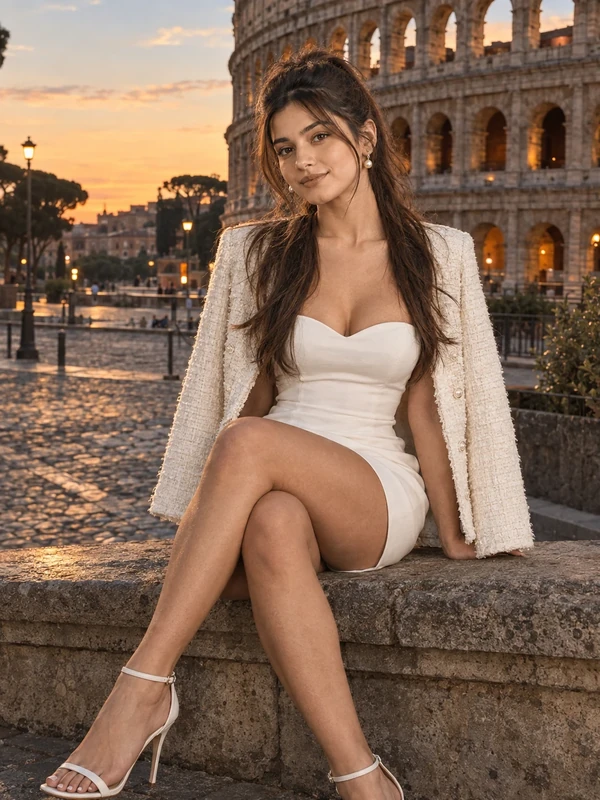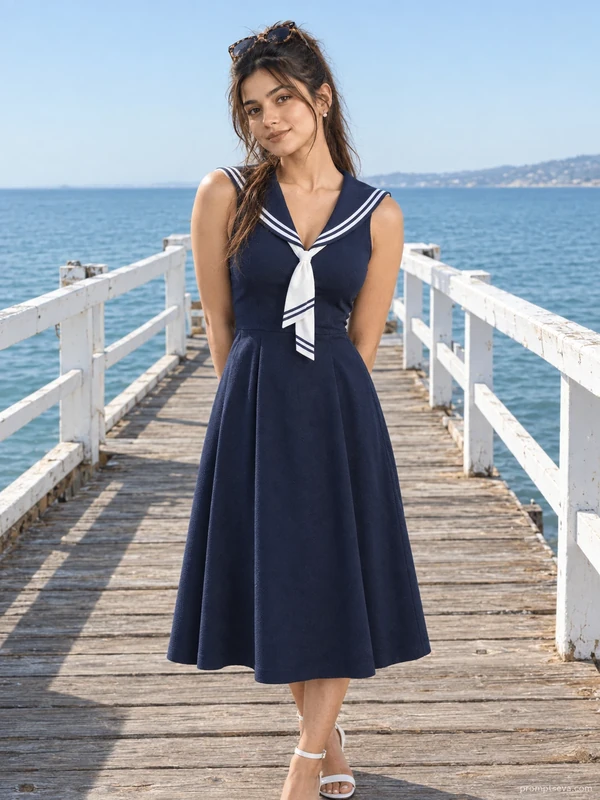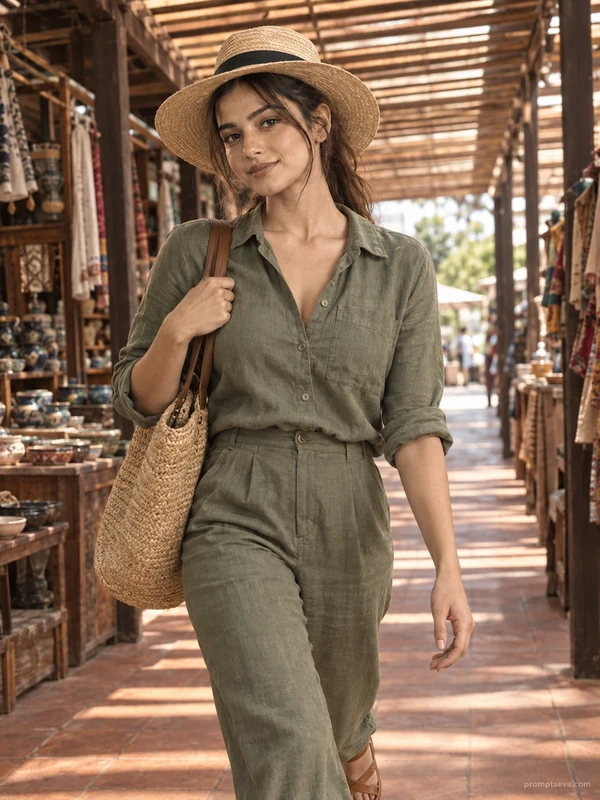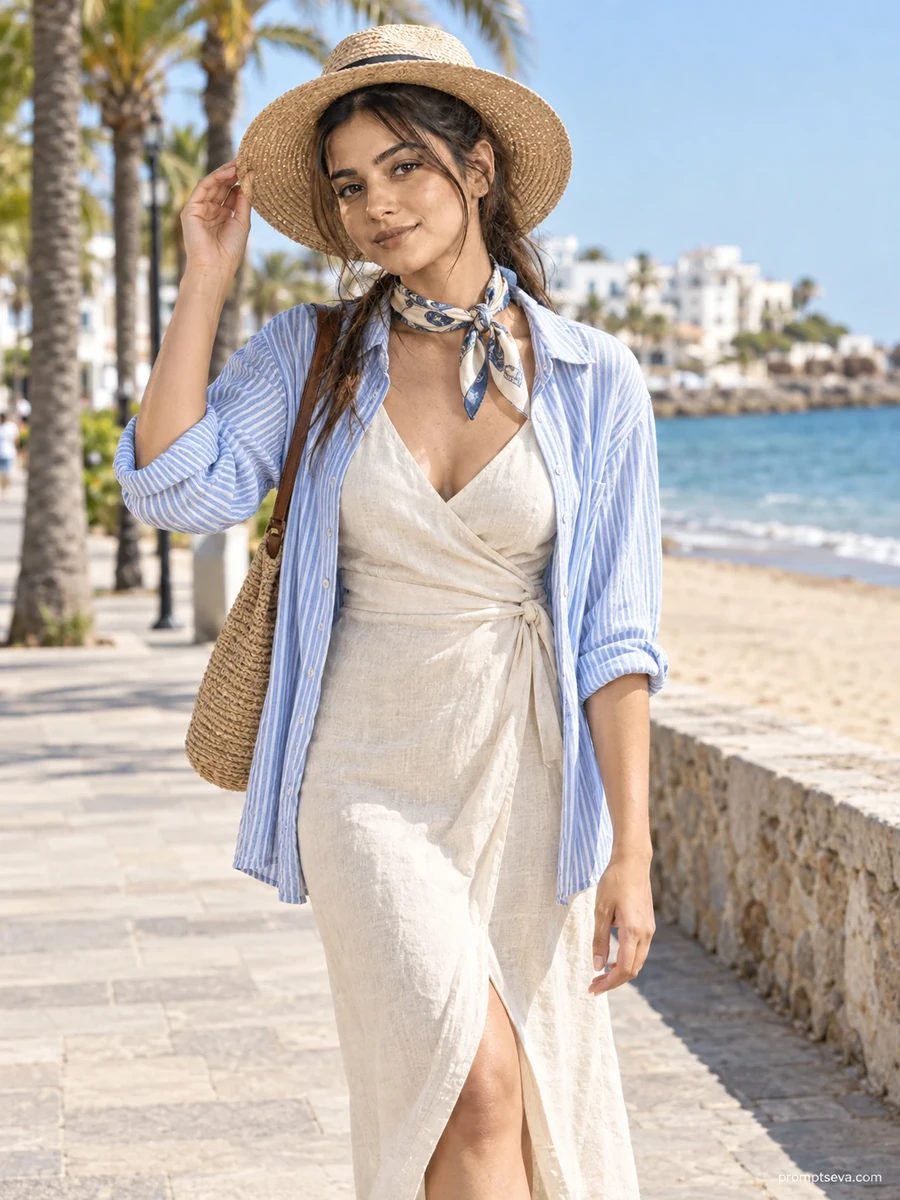
This free summer stroll prompt turns your photo into a breezy Mediterranean-style boardwalk portrait — a cream linen wrap dress, a sky-blue striped overshirt, and a wide-brim straw hat, captured mid-walk along a palm-lined coastal promenade. The scene leans into the relaxed, sun-drenched feel of a summer holiday: whitewashed buildings blurred softly behind you, sandy beach glimpsed past a low stone wall, and bright midday light that keeps the whole frame evenly lit without harsh shadows. It's the kind of shot that looks pulled straight from a European seaside getaway, built entirely from a single photo of your own face.
What makes this prompt useful isn't just the setting — it's the balance between styling detail and realism. Linen wrinkles naturally at the waist tie, the straw hat catches soft highlights, and the striped overshirt adds a layer of texture without overwhelming the outfit. The pose is simple and unforced: one hand resting on the hat brim, weight shifted casually onto one leg, a natural half-smile rather than a stiff camera stare. That restraint is what sells the realism — overly posed or exaggerated expressions are usually what gives AI-generated photos away.
How to Use This Prompt
1. Copy the full prompt above. 2. Open ChatGPT, Gemini, or any AI image tool that supports image uploads. 3. Upload one clear, front-facing photo of yourself, ideally with good lighting and a neutral background. 4. Paste the prompt exactly as written and send it. 5. The AI will generate a photorealistic coastal promenade portrait using your actual face, styled in the linen summer outfit described above. 6. If you want variations, ask for the same scene at a different time of day, or with a different accessory color, while keeping the rest of the prompt unchanged.
This prompt works well as a single image or as part of a themed summer set — pair it with the botanical garden or ocean pier prompts from the same collection to build out a full "summer stroll" photo series without ever leaving your house for a shoot.
Why Face Preservation Matters Here
Most AI photo tools have a tendency to "beautify" faces during generation — smoothing skin, slimming jawlines, or subtly altering eye shape to match a generic aesthetic. This prompt is written specifically to resist that. The facial identity instructions at the top are non-negotiable: they tell the model to treat your bone structure, eyes, nose, lips, and skin tone as fixed reference points, not something to be reimagined. The result is a photo where the outfit, lighting, and setting are new, but the person in the photo is unmistakably still you.
If you notice the AI drifting from your actual features — which can happen more with some tools than others — you can reinforce the instruction by adding a follow-up line like "keep the face 100% identical to the uploaded photo, do not beautify." This is especially useful with tools that default to a more retouched, stock-photo look.
Who This Prompt Works Best For
This coastal promenade portrait suits anyone who wants a vacation-style photo without the cost or logistics of an actual seaside trip — it's a popular choice for profile photos, dating app pictures, or a single standout post announcing a "getaway" even if you never left your city. It also works well for people building a travel-themed Instagram grid who need one or two convincing beach-adjacent shots to round out a set of real travel photos. Because the pose and expression are relaxed rather than dramatic, it also holds up well as a LinkedIn or personal branding photo for anyone in travel, hospitality, or lifestyle content who wants a warm, approachable image rather than a stiff studio headshot.
It's less suited to situations where you need a very literal, identifiable location — the whitewashed buildings are intentionally blurred and generic, so this won't pass as a specific named destination. If you need that level of specificity, you'd want a prompt built around a recognizable landmark instead.
Common Mistakes to Avoid
The most common issue with this prompt is uploading a reference photo taken at a downward angle or with the face partially turned — since the final pose has the subject looking toward the camera at chest-level height, an odd source angle forces the AI to guess at features it can't clearly see. Another frequent mistake is uploading a low-resolution or heavily filtered photo (already smoothed by a phone's beauty mode); the AI has nothing accurate to preserve once your original skin texture has already been edited away. Finally, skip group photos or photos where your face is partially covered by sunglasses or a hat — the model needs a full, unobstructed view of your features to lock onto for the 100% face match.
Tips for Best Results
- Use a well-lit, front-facing reference photo for the most accurate face match — avoid photos with heavy shadows across the face or extreme angles.
- If the AI changes your face too much, explicitly repeat: "keep the face 100% identical to the uploaded photo."
- Try both ChatGPT and Gemini — results can vary slightly between tools, and one may preserve facial detail more faithfully than the other.
- For the sharpest fabric texture on the linen dress, mention in a follow-up that you want "visible fabric weave and natural wrinkles" if the first result looks too smooth or synthetic.
- If you plan to use this across social media, generate a couple of variations and pick the one where your expression looks most natural — subtle differences in mouth and eye position can make a big difference in how authentic the final image feels.