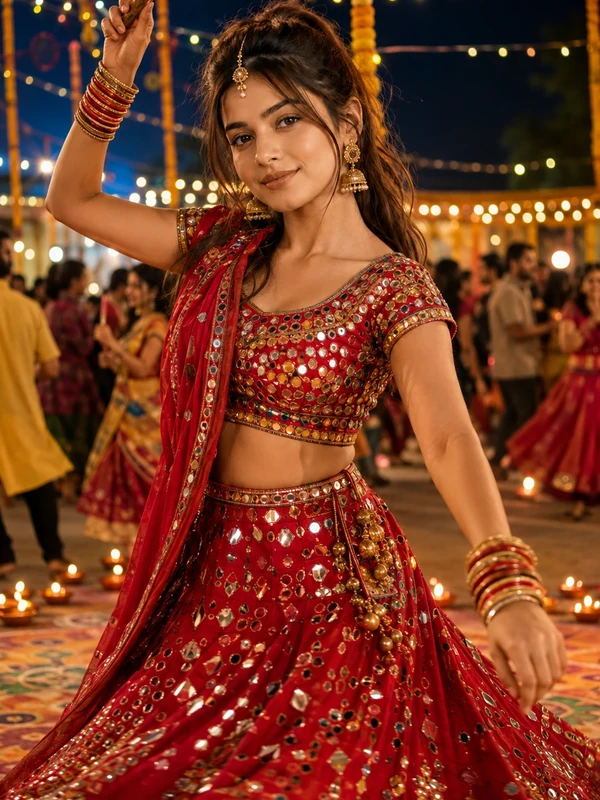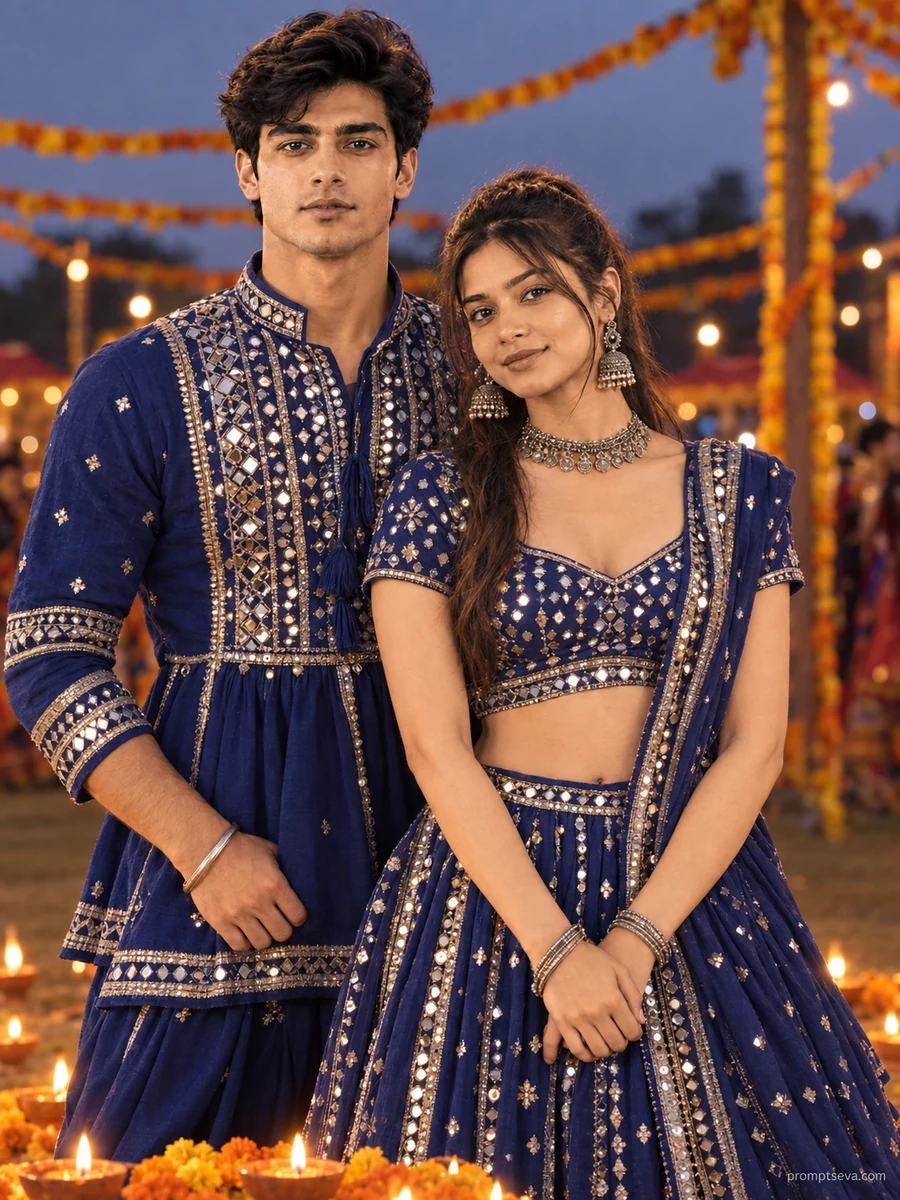
This free Navratri prompt turns two photos into a warm, coordinated Garba couple portrait — matching blue and silver mirror-work outfits, softly lit from below by a row of glowing diyas at dusk. The scene captures the tenderness of a festival evening spent together: marigold garlands blurred softly in the background, twilight fading behind the couple, and both faces lit gently by lamplight rising up from the diyas placed on the ground in front of them. The woman leaning back gently into the man, both smiling warmly, gives the image a natural, affectionate closeness rather than a stiff formal couple pose.
The lighting direction here is the most technically distinctive part of this prompt. Rather than a typical front-lit or side-lit portrait, the light source sits low, near the ground, casting a warm upward glow onto both faces — the same effect you'd see from someone genuinely standing near a row of lit diyas at a real Garba ground. This under-lighting is more flattering and dramatic than flat overhead light, but it's also a less common lighting direction for AI models to render correctly, which is part of what makes this portrait feel distinct from a typical couple photo.
How to Use This Prompt
1. Copy the full prompt above. 2. Open ChatGPT, Gemini, or any AI image tool that supports image uploads. 3. Upload two clear, front-facing photos — one for each person in the couple. 4. Paste the prompt exactly as written and send it. 5. The AI will generate a photorealistic Navratri couple portrait using both actual faces, lit by the warm diya glow described above. 6. If one face renders more accurately than the other, ask the AI to "regenerate keeping both faces equally accurate to their respective uploaded photos, matching the same diya glow lighting on each."
This prompt pairs well with the close-up diya bokeh portrait from the same collection if you want a mix of couple and solo diya-lit images in your festival photo set.
Why Face Preservation Matters Here
Couple portraits carry a unique challenge: two faces need to stay accurate simultaneously, and it's common for one person's features to drift more than the other's, especially when the two reference photos differ in lighting, angle, or resolution. This prompt's facial identity instructions apply explicitly to both people, treating each face as an independent fixed reference rather than blending or averaging features between them. Add to that the unusual low, upward diya lighting, and you have two separate technical challenges the AI needs to manage at once for both faces.
If you notice one person's face looking less accurate than the other's, it's more effective to name the specific issue than to ask for a full regeneration — for example, "the man's face needs to match his uploaded photo more closely, especially around the eyes and jawline, while keeping the woman's face as it is." Being specific about which face and which feature needs correction consistently produces better results than a general re-generation request.
Who This Prompt Works Best For
This coordinated couple portrait is well suited to anniversary posts, a Navratri celebration shared as a couple, or a warm keepsake image meant to be printed or shared with family. Because the lighting is soft and the pose is affectionate rather than dramatic, it also works well as a calmer, more intimate counterpart to the energetic solo Garba portraits elsewhere in the collection, giving a themed set some variety in mood.
It's not the easiest prompt to get right on a first attempt, since two faces need to stay accurate simultaneously under an unusual upward lighting direction — if you're generating a full set and want an easier starting point, try one of the solo portraits first before attempting the couple version.
Common Mistakes to Avoid
The most frequent mistake with any two-person prompt is submitting reference photos with very different lighting conditions or photo quality between the two people, which forces the AI to reconcile mismatched starting points while also applying the scene's unusual low diya lighting. Another common issue is uploading photos where one person's face is at a noticeably different scale or angle than the other's, which can make the leaning, close pose look physically awkward rather than natural. Finally, avoid expecting the marigold garlands and background diyas to render with equal clarity on both sides of the frame — background elements sometimes render inconsistently around two subjects, so a follow-up request for a symmetrical, evenly diya-lit background is worth trying if the first result looks lopsided.
Tips for Best Results
- Use two reference photos with reasonably similar lighting conditions if possible — this helps the AI blend both people into the same diya-lit scene more naturally.
- If the upward diya glow looks too flat on one or both faces, ask for "stronger, more directional upward glow on both faces, matching how diya light would realistically rise and illuminate from below."
- Try both ChatGPT and Gemini — multi-person face accuracy under unusual lighting directions can vary more noticeably between tools than in simpler single-subject portraits.
- For the most natural-looking closeness, mention "genuine, relaxed body language between the couple" if the first result looks too stiff or symmetrical.
- If you're building a full couple-themed Navratri set, generate this portrait alongside the Chaniya Choli and Kediyu solo portraits using the same two people's reference photos for a cohesive family or couple album.