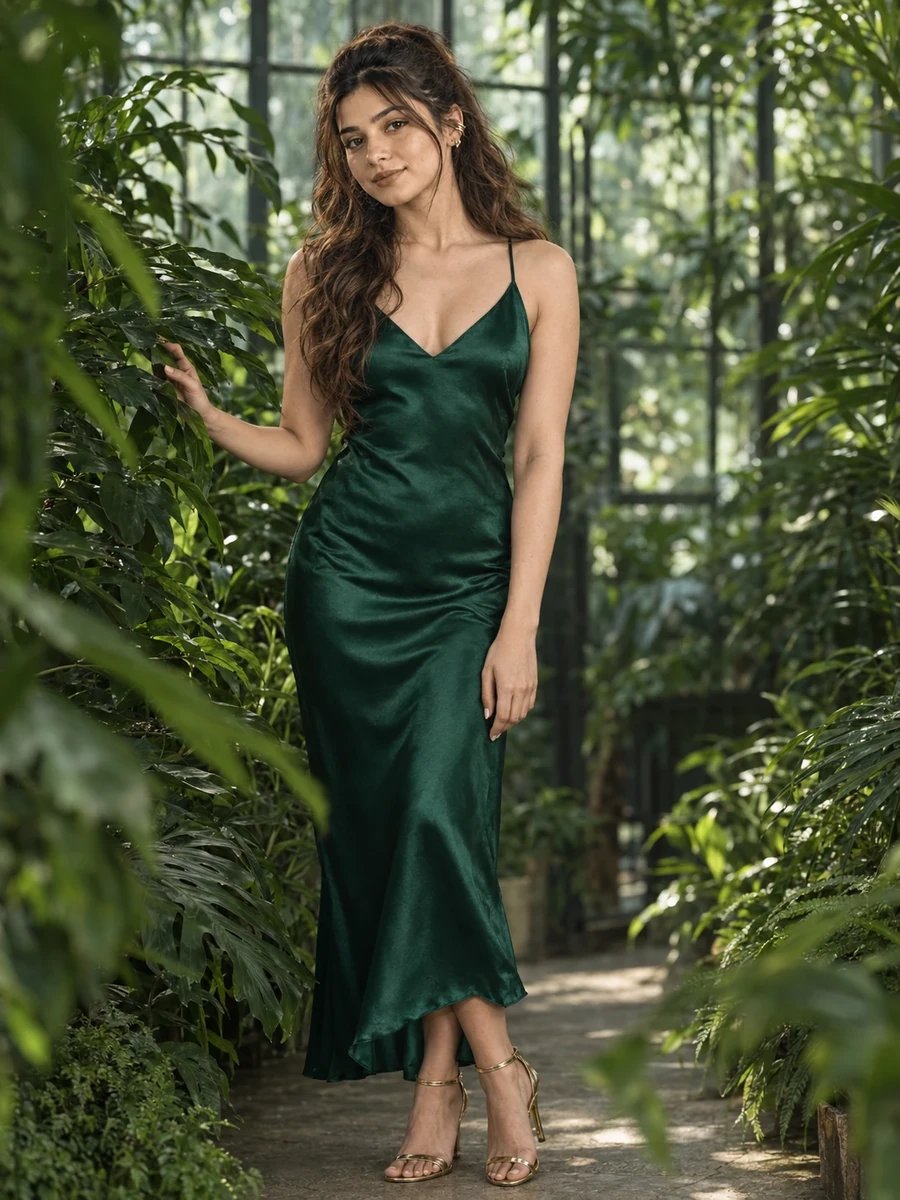
This free luxury lifestyle prompt turns your photo into a lush, editorial greenhouse portrait — an emerald green satin slip dress with gold accessories, standing among dense tropical foliage inside a glass greenhouse, lit by cool, green-filtered daylight. This is one of the more visually rich prompts in the collection, using the greenhouse's natural plant density to create depth and texture around the subject rather than relying on a simple architectural backdrop.
The color relationship here is deliberate: emerald satin against a sea of tropical green creates a tonal harmony rather than contrast, while the gold accessories and bronze eye makeup add warmth that keeps the overall look from feeling flat or monochromatic. It's a good example of how color coordination between outfit and setting can elevate a prompt beyond a simple "person in front of plants" scene.
How to Use This Prompt
1. Copy the full prompt above. 2. Open ChatGPT, Gemini, or any AI image tool that supports image uploads. 3. Upload one clear, front-facing photo of yourself. 4. Paste the prompt exactly as written and send it. 5. The AI will generate a photorealistic greenhouse portrait using your actual face, styled in the emerald slip dress described above. 6. If the foliage looks repetitive or artificial, ask the AI to "add more variety in the tropical leaf shapes and sizes for a more naturalistic greenhouse feel."
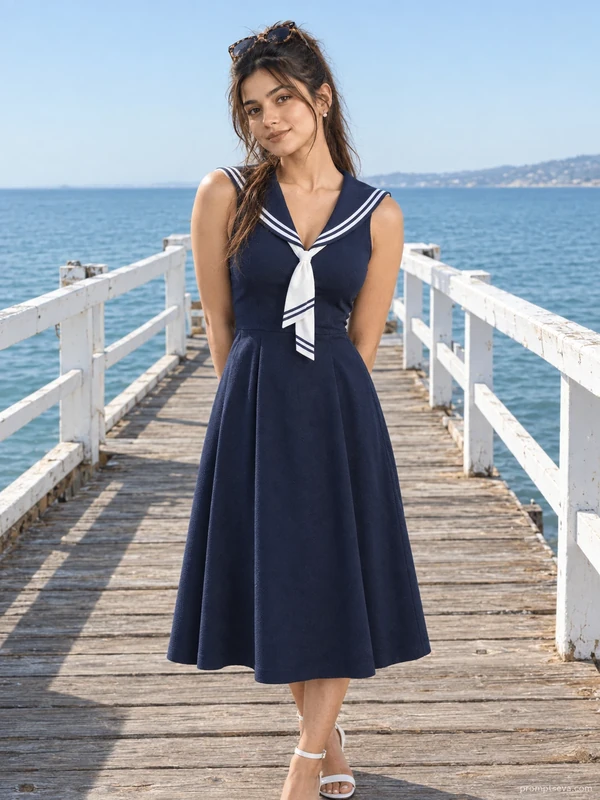
This rich, tonal look pairs well with the coastal promenade prompt from the same collection for a contrast between lush greenery and bright open seaside tones.
Why Face Preservation Matters Here
Green-toned ambient light, filtered through both glass and dense foliage, casts a color cast across the entire scene that's noticeably different from neutral daylight — and this is a condition where some AI models will shift skin tone toward the dominant environmental color rather than keeping it accurate to your actual reference photo. This prompt's facial identity instructions are meant to hold your true skin tone steady even under that strong green-filtered light.
If your skin looks tinted green or unusually different from your reference photo, add a follow-up like "keep skin tone warm and natural, matched to the reference photo — the green ambient tint should affect the environment and shadows, not the face itself."
Who This Prompt Works Best For
This greenhouse portrait is well suited to anyone who wants a visually rich, editorial-style image with strong color cohesion — a fashion or lifestyle content creator building a curated feed, a striking profile photo that stands out through color rather than pose, or a statement image for a content series built around a specific green-and-gold palette. Because the composition relies on the plant density surrounding the subject, it also works well if you want a setting that feels immersive and layered rather than a simple flat backdrop.
It's a less suitable choice if you need a clean, distraction-free background — the dense tropical foliage is a defining feature of this prompt, so if a simpler, more minimal setting fits your needs better, the coastal promenade or café portraits elsewhere in the collection will serve that purpose more directly.
Common Mistakes to Avoid
Because this prompt relies on a specific green-filtered ambient light, a common mistake is uploading a reference photo shot under warm or yellow-toned lighting and expecting the color cast to translate cleanly — a neutrally lit reference photo gives the AI the clearest separation between your actual skin tone and the greenhouse's environmental color. Another issue is expecting the dense tropical foliage to look varied and naturalistic without review; repetitive or overly uniform leaf patterns are a common small flaw in AI-generated plant-heavy scenes, so a follow-up requesting more variety in leaf shape and size is often worth doing. Finally, don't overlook the satin dress's sheen — flat, matte-looking fabric where satin should catch and reflect light is another frequent small gap between a first attempt and a fully convincing result, so ask specifically for visible fabric highlights if the first output looks dull.
Tips for Best Results
- Use a reference photo with neutral, accurate lighting — this gives the AI a clean skin tone baseline before the green-filtered greenhouse light is applied.
- If the satin dress looks too matte, ask for "visible satin sheen and fabric highlights" in a follow-up.
- Try both ChatGPT and Gemini — strong environmental color casts like this greenhouse scene are a good test of which tool separates ambient color from actual skin tone more accurately.
- For a warmer alternative, you can ask for "warm golden light filtering through the greenhouse instead of cool green tones" while keeping the outfit and pose the same.
- If you're building the full luxury lifestyle set, this rich greenhouse portrait works well as a color-forward centerpiece between the neutral café look and the monochrome street-style portrait later in the collection.