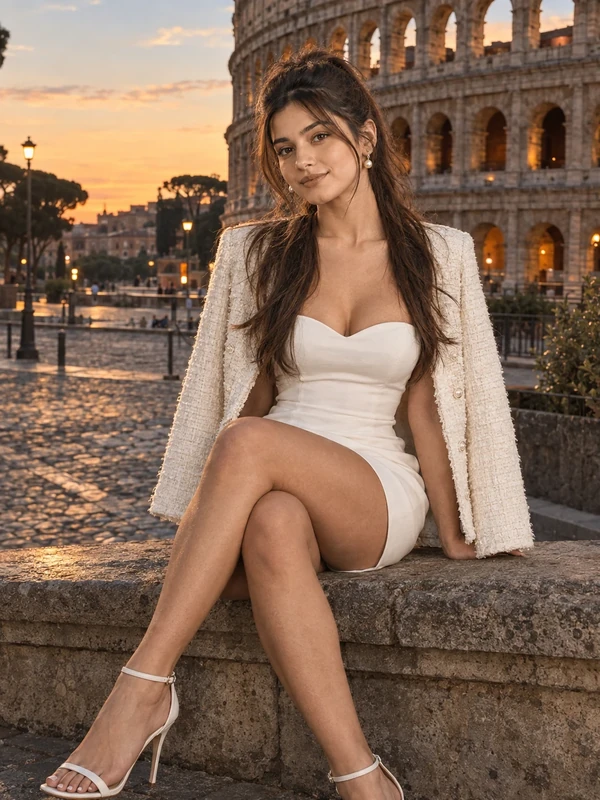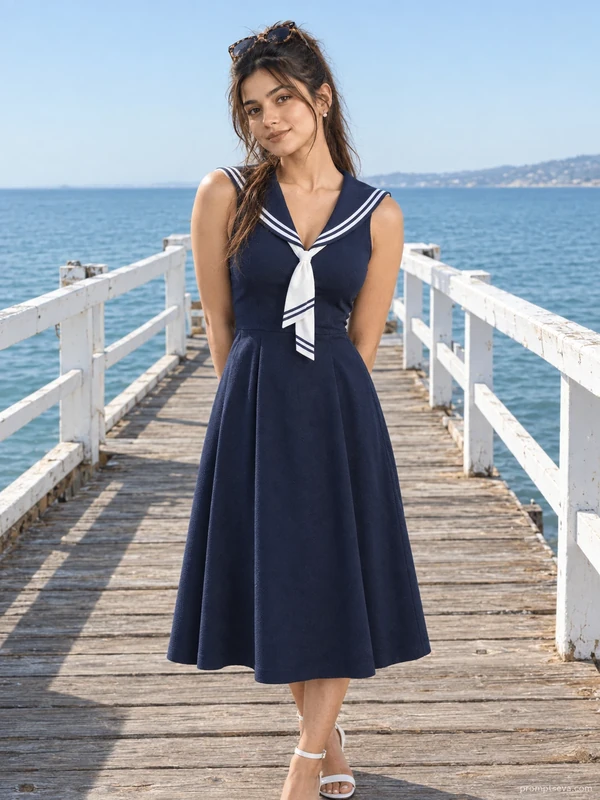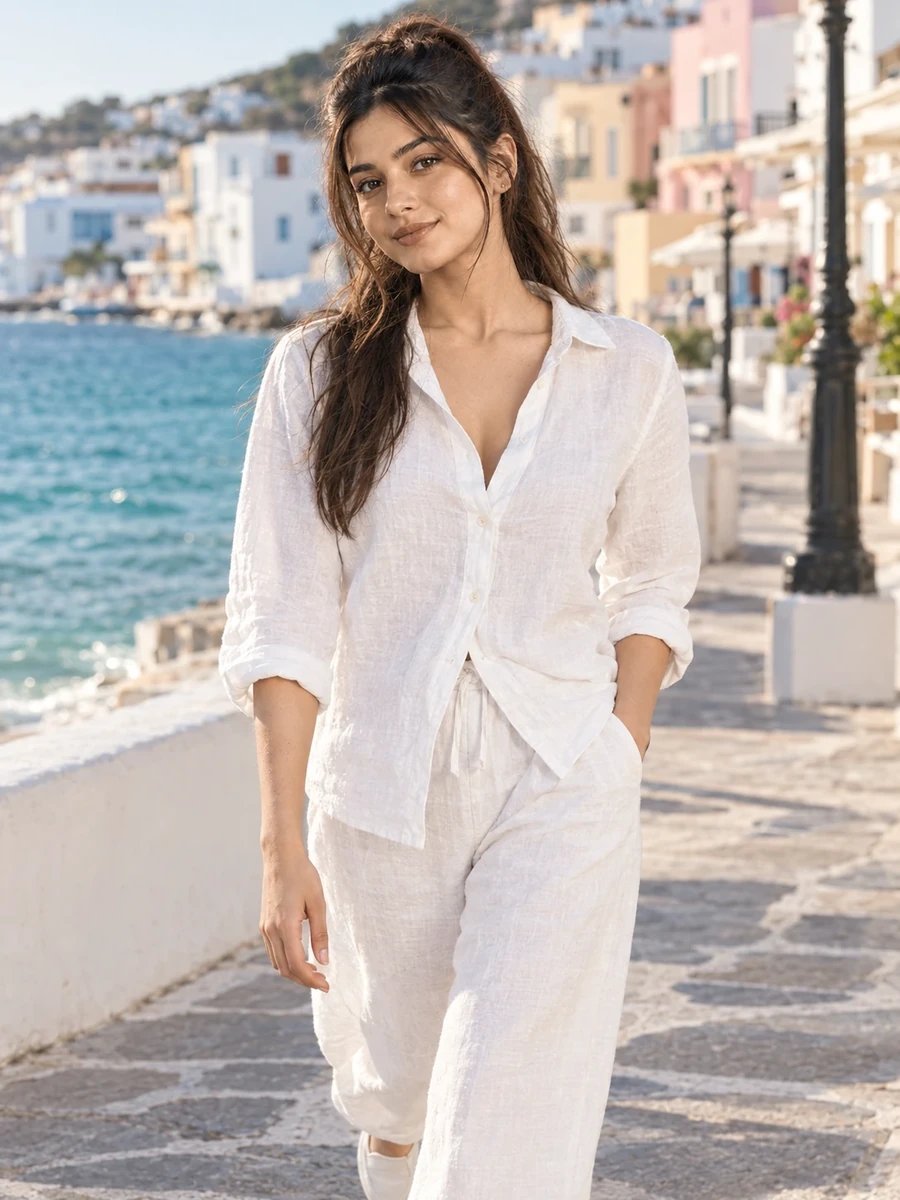
This free luxury lifestyle prompt turns your photo into a breezy, effortless walking portrait — an all-white linen co-ord set, walking toward the camera along a whitewashed seafront promenade with a glimpse of turquoise water and pastel buildings behind you. This is the most minimalist styling in the collection: monochrome white, minimal jewelry, dewy natural makeup, letting the coastal setting and warm afternoon light carry the visual interest rather than an elaborate outfit.
The walking-toward-camera pose, combined with a half-smile rather than a full grin, strikes a specific balance — engaged and warm without looking overly posed. This is a subtle but important distinction in AI-generated portraits, since overly wide, symmetrical smiles are often one of the tells that give away an artificially generated image.
How to Use This Prompt
1. Copy the full prompt above. 2. Open ChatGPT, Gemini, or any AI image tool that supports image uploads. 3. Upload one clear, front-facing photo of yourself. 4. Paste the prompt exactly as written and send it. 5. The AI will generate a photorealistic coastal promenade portrait using your actual face, styled in the white linen co-ord described above. 6. If the smile looks too wide or unnatural, ask the AI to "soften the smile to a more subtle, natural half-smile."
This minimalist coastal look pairs well with the rich botanical garden prompt from the same collection for a contrast between lush color and clean monochrome styling.
Why Face Preservation Matters Here
An all-white outfit against bright coastal daylight creates one of the highest-key lighting scenarios in this entire prompt set — lots of reflected light bouncing off white linen, pale stone, and whitewashed buildings. This kind of bright, reflective environment can sometimes push AI models to brighten or "flatten" facial features to match the overall high-key mood, which is exactly the kind of subtle drift the facial identity instructions are meant to prevent.
If your face looks washed out or your features less defined than in your reference photo, add a follow-up like "keep facial contrast and definition consistent with the reference photo, the bright coastal light should not flatten or wash out facial features."
Who This Prompt Works Best For
This coastal walk portrait works well for anyone who wants a clean, universally appealing image — a primary profile photo, a simple but polished travel post, or an anchor image for a personal brand built around ease and minimalism rather than obvious luxury signaling. Because the all-white styling and bright setting are so neutral, this is also one of the more versatile prompts in the collection for pairing with different captions or contexts, since it doesn't carry a strong seasonal or occasion-specific feel.
It's a less ideal choice if you want the outfit itself to be a visual focal point — the monochrome white styling is intentionally understated, so if you want clothing details and color to stand out more, the botanical garden or café prompts in this collection put more visual emphasis on outfit specifics.
Common Mistakes to Avoid
The most common mistake with this prompt is uploading a reference photo with poor exposure or unclear lighting, since the scene's already high-key, reflective brightness leaves little room for the AI to compensate for an unclear starting reference. Another frequent issue is expecting the walking-toward-camera pose to look natural without any adjustment — motion poses can occasionally render with an odd gait or stiff arm position on the first attempt, so a follow-up asking for a more natural, relaxed walking stride is a reasonable and common request. Finally, avoid assuming the half-smile will translate correctly from a fully smiling or fully neutral reference photo; if your reference expression is very different from a soft half-smile, mentioning that discrepancy explicitly in a follow-up can help the AI calibrate a more accurate, natural-looking result. It also helps to check the pastel building facades in the background for consistent, believable color variation, since flat or repeating pastel tones are a small but noticeable detail that can make an otherwise strong image look slightly artificial.
Tips for Best Results
- Use a reference photo with clear, well-exposed lighting — bright, reflective scenes like this one work best when the AI has an accurate, well-defined starting reference.
- If the pastel buildings in the background look too flat, ask for "more visible architectural texture and color variation on the pastel buildings" in a follow-up.
- Try both ChatGPT and Gemini — high-key, bright lighting scenes are a good test of which tool maintains facial definition without over-brightening.
- For a moodier alternative, you can ask for "early morning soft light instead of bright warm afternoon light" while keeping the outfit and walking pose the same.
- If you're building the full luxury lifestyle set, this clean coastal look works well as a calm midpoint between the rich botanical garden portrait and the monochrome street-style look later in the collection.